Cloud Based POS System: What It Is, How It Works, and the Best Options for Restaurants
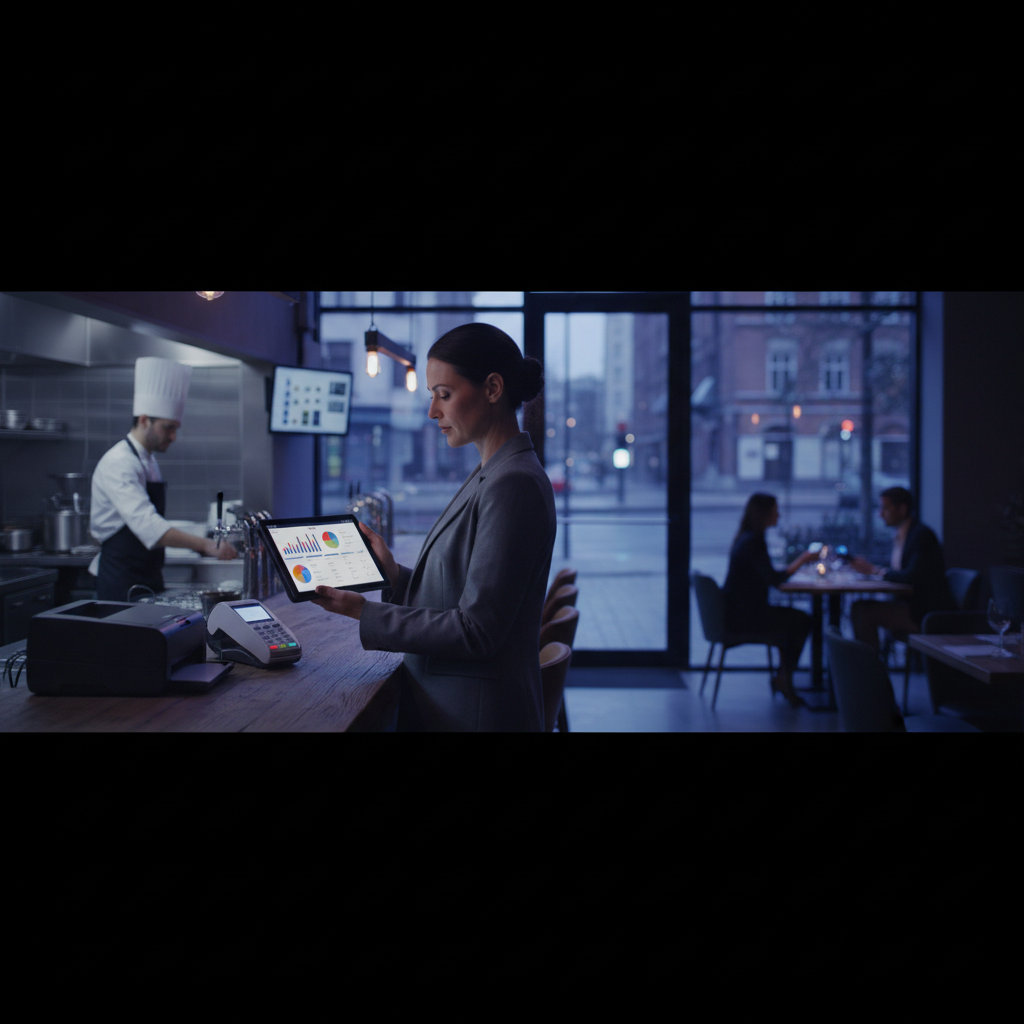
Walk into any modern restaurant and you're likely to see tablets mounted at the register, servers carrying handheld devices, and managers pulling up reports on their phones from across town. That's the cloud based POS system in action — and it's fundamentally changed how restaurants operate, manage staff, and serve guests.
If you're still running legacy POS hardware, or if you're opening a new restaurant and need to choose a system, this guide gives you everything you need to understand what cloud POS is, how it compares to traditional systems, and which platforms are worth your time and money in 2026.
What Is a Cloud Based POS System?
A cloud based point-of-sale (POS) system processes transactions and stores all your data on remote servers accessed via the internet, rather than on local hardware in your restaurant. Instead of data sitting on a server in the back office that you can only access on-site, a cloud POS makes your sales data, menu, inventory, and reports available from any device with internet access.
The core difference from a traditional POS system:
- Traditional (legacy) POS: Data stored locally. Software runs on proprietary hardware. Updates are manual and expensive. Access is only available in the restaurant.
- Cloud POS: Data stored in the cloud. Software runs on standard tablets or terminals. Updates happen automatically. Access available anywhere — including your phone at 2am when you're checking close-of-night reports.
Most cloud POS systems are also designed to work offline (storing transactions locally and syncing when connectivity returns), so you're not dead in the water if the internet goes down during a busy dinner service.
Key Benefits of Cloud POS for Restaurants
Real-Time Data Access
With a cloud POS, you can see exactly what's selling, which servers are highest-performing, and what your revenue looks like — in real time, from anywhere. Multi-location operators can compare performance across sites without leaving their desk. This alone is a game-changer for operators who've historically been tied to the restaurant to get any meaningful data.
Lower Upfront Hardware Costs
Legacy POS systems often required $10,000–$20,000 in proprietary hardware just to get started. Cloud POS systems typically run on off-the-shelf iPads or Android tablets, dropping your upfront investment dramatically. Many systems let you start with a single tablet and add hardware as you grow.
Automatic Software Updates
No more paying a technician to come on-site for updates. Cloud POS vendors push updates automatically — new features, security patches, compliance updates — without any action from you. You're always running current software.
Scalability Across Locations
Adding a new location to a cloud POS is dramatically simpler than replicating a legacy system. New locations share the same menu database, the same reporting infrastructure, and the same centralized management. For growing groups, this is essential.
Integration Ecosystem
Cloud POS platforms are built for integration. Most offer native connections to delivery platforms, inventory management tools, accounting software, loyalty programs, and reservation systems. This eliminates double-entry and gives you a unified view of operations.
Pair your POS with a free loyalty program for your restaurant
Get Loop.fans FreeBest Cloud Based POS Systems for Restaurants in 2026
Square for Restaurants
Square is the most accessible entry point into cloud POS, and for many small restaurants, it's all they need. Square's restaurant-specific tier includes table management, course firing, kitchen display system support, and team management. The free plan is genuinely functional for basic operations; paid tiers unlock more advanced features.
Best for: New restaurants, food trucks, pop-ups, cafes, and counter-service concepts.
Cost: Free plan available; Plus plan at $60/month per location
Standout feature: No monthly fee to get started; straightforward hardware pricing
Watch out for: Account stability issues reported by some users; limited advanced reporting on free tier
Toast
Toast is purpose-built for restaurants and is one of the most widely used cloud POS systems in the US. It handles table service, quick service, bars, multi-location groups, and enterprise chains. Toast's ecosystem includes kitchen display systems, online ordering, payroll, scheduling, and its own loyalty program. It's powerful but can be pricey once you start adding modules.
Best for: Full-service restaurants, growing groups, and operators who want an all-in-one ecosystem.
Cost: Starts at $0/month (pay-as-you-go hardware plan with higher processing fees) or $69+/month
Standout feature: Deep restaurant-specific features; strong integrations; good customer support
Watch out for: Module pricing adds up; long-term contracts on hardware plans
For an in-depth look: Toast POS Review for Small Restaurants
Clover
Clover is a flexible cloud POS that works across retail and food service. Its app marketplace allows restaurants to add functionality beyond the core system, including reservations, loyalty, and delivery integrations. Clover hardware is attractive and durable. However, Clover is often sold through banks and merchant services providers, which means pricing and terms can vary significantly depending on who you buy through.
Best for: Restaurants that want hardware flexibility and app marketplace customization.
Cost: Hardware from $49; software from $14.95/month
Standout feature: App marketplace; sleek hardware design
Watch out for: Pricing varies by reseller; some users report support issues
Lightspeed Restaurant
Lightspeed is a strong choice for restaurants with complex menus, multi-location operations, or high-volume bar programs. Its inventory management is particularly robust — tracking ingredient-level costs, flagging variances, and connecting to supplier ordering. Lightspeed also handles table management and floor planning well, with a clean interface that's intuitive for front-of-house teams.
Best for: Full-service restaurants with complex inventory needs and multi-location groups.
Cost: Starts at $69/month
Standout feature: Deep inventory management; strong multi-location support
Watch out for: Can be complex to set up; higher tier required for advanced features
Revel Systems
Revel is an enterprise-focused iPad POS designed for multi-location restaurants, franchises, and high-volume concepts. It's more powerful than most independent restaurants need, but for larger groups it offers deep customization, strong analytics, and offline reliability. Revel requires a minimum commitment and is best suited to operators with IT resources to support implementation.
Best for: Franchise groups, enterprise restaurants, and high-volume multi-location operators.
Cost: Custom pricing; typically $99+/month per location
Standout feature: Enterprise-grade reliability; deep customization
Watch out for: Minimum contract commitment; complex setup
What Does a Cloud POS System Cost?
Cloud POS pricing typically has three components:
- Hardware: Tablets, terminals, printers, kitchen displays, and card readers. Budget $500–$2,000 for a basic single-location setup, $3,000–$8,000 for a full-service restaurant with multiple terminals.
- Software subscription: Monthly SaaS fees ranging from $0 (Square free tier) to $300+/month for advanced platforms or multi-location plans.
- Payment processing: Typically 2.6% + $0.10 per transaction for card-present sales. Some vendors offer custom rates for high-volume operators.
A realistic all-in budget for a single-location full-service restaurant running Toast or Lightspeed is $150–$400/month in software and processing fees, plus upfront hardware costs. That's a significant improvement over legacy systems that often required $15,000+ upfront and $500+/month in maintenance contracts.
How Cloud POS Integrates with Loyalty and Reservations
One of the biggest advantages of moving to a cloud POS is the integration ecosystem. Your POS should talk to:
- Reservation platforms — So your front-of-house team sees upcoming reservations without switching systems
- Loyalty programs — So guests earn points automatically at checkout, without staff intervention
- Delivery platforms — So orders from third-party apps flow directly into your kitchen without manual re-entry
- Accounting software — So your books stay current without end-of-day manual reconciliation
This is where Loop.fans fits in. Loop.fans acts as the free loyalty layer that sits alongside your existing POS — regardless of which system you choose. Instead of paying Toast or Square premium fees for their proprietary loyalty modules, you can run Loop.fans for free and capture the same guest retention benefits. Diners earn points, redeem rewards, and come back more often — without adding complexity to your POS workflow.
See how this connects to the full guest experience: Restaurant Loyalty Programs: The Complete Guide
Add free loyalty to any POS — no monthly fees
Get Loop.fans FreeSwitching from a Legacy POS to Cloud
If you're on an older system, migration to cloud POS involves a few key steps:
- Export your menu data. Most cloud POS vendors offer migration support and can import your existing menu structure, pricing, and modifiers.
- Plan your hardware transition. Decide whether to phase out old hardware immediately or run parallel systems briefly during staff training.
- Train your team before go-live. Block out two to three days before launch for hands-on training. Front-of-house staff adapt quickly; kitchen staff need time with kitchen display systems.
- Go live on a slower day. Don't switch systems on a Friday night. Launch on a Tuesday or Wednesday and let your team find their rhythm before peak service.
For a broader look at restaurant management tools: Best Restaurant Management Software for 2026
Frequently Asked Questions
What's the difference between a cloud POS and a traditional POS?
A traditional POS stores data locally on in-house servers and requires proprietary hardware. A cloud POS stores data on remote servers accessible from any device with internet access. Cloud systems offer real-time reporting, automatic updates, lower hardware costs, and better integration capabilities than legacy systems.
Can a cloud POS work without internet?
Yes — all major cloud POS systems include offline mode. Transactions are stored locally and synced to the cloud when connectivity is restored. You won't lose sales during an outage, though some features (like real-time reporting or kitchen display sync) may be limited.
Which cloud POS is best for small restaurants?
Square for Restaurants is the most accessible starting point for small restaurants, with a free tier that handles basic operations. Toast is a strong upgrade option as you grow, with more restaurant-specific features and better support for full-service concepts.
Do I need a cloud POS to have a loyalty program?
No. Loop.fans runs as an independent loyalty layer that works alongside any POS system. You don't need to switch your POS to add a professional loyalty program — Loop.fans handles points, rewards, and guest retention for free, regardless of how you process payments.
See also: Best Restaurant POS Systems | Restaurant Reservation Platforms: Top Options Compared | Online Appointment Scheduling Software for 2026