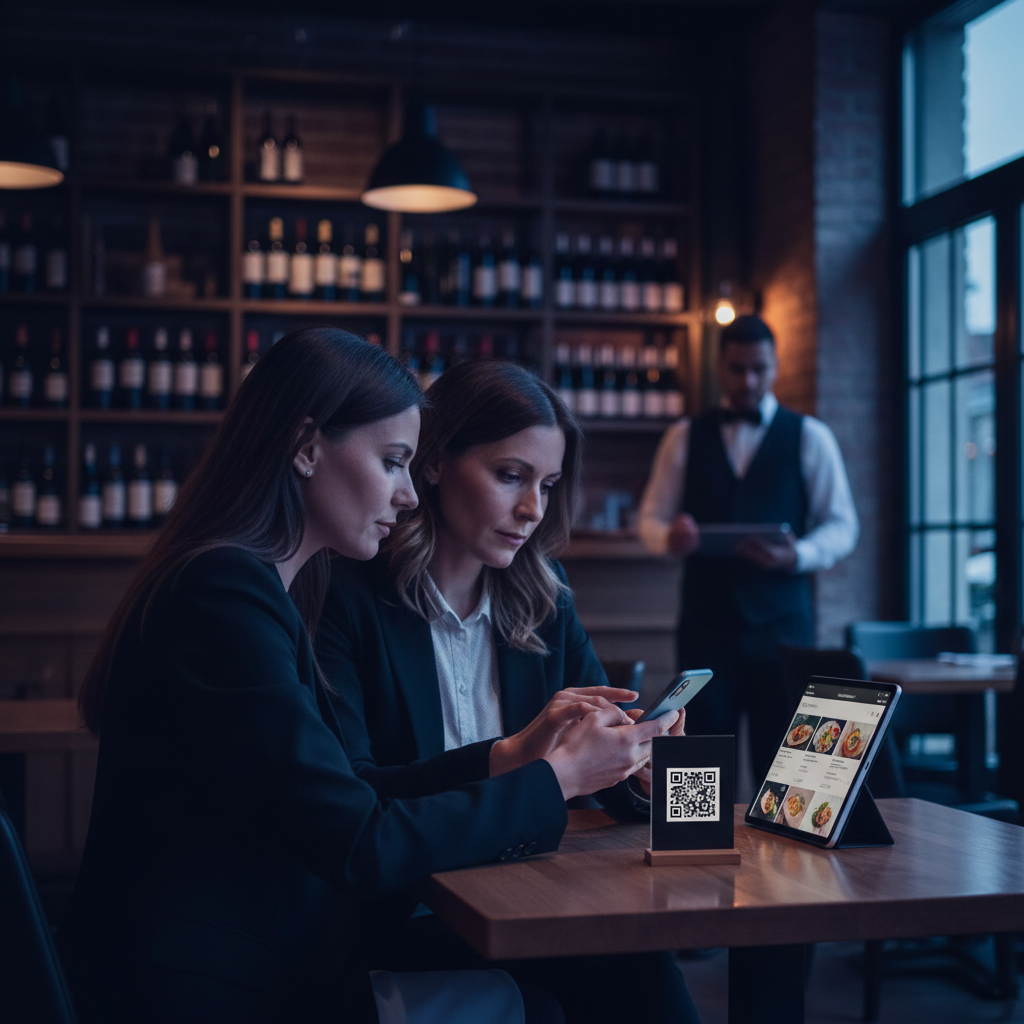
Free QR Menu Generator for Restaurants
A free QR menu generator gives restaurants a fast way to move from printed menus to digital access without investing in expensive software upfront. At the simplest level, these tools create a scannable QR code that links customers to a menu PDF or web page. More advanced tools bundle QR code generation with menu hosting, design, analytics, and even ordering.
Build your digital or QR menu in minutes
Try our Free AI Menu Builder for RestaurantsThis guide breaks down the best free QR menu generators for restaurants, what features matter most, and when a free tool is enough versus when it makes sense to upgrade to a dedicated platform.
What a QR Menu Generator Does
Want a digital menu with QR code for your restaurant? Build your free digital menu — Create a QR menu in minutes — update it anytime, no printing required.
A QR menu generator takes a destination URL — the location of your menu online — and turns it into a QR code customers can scan with their phone. In more advanced tools, the generator also helps you:
- Create or upload a digital menu
- Generate QR codes for tables, takeout packaging, or host stands
- Customize the visual appearance of the code
- Track scans and views
- Change the menu destination later without reprinting the code (dynamic QR codes)
The Best Free QR Menu Generator Options
QR Code Monkey
QR Code Monkey is one of the most popular free QR code tools. It's simple, reliable, and fast. You paste in your menu URL, generate a QR code, download it as a PNG or SVG, and print it wherever you need it. For restaurants that already have their menu hosted somewhere, this is often all you need.
Best for: Restaurants with a menu page or PDF already online who just need a clean QR code quickly.
QRCode Generator
QRCode Generator offers both static and dynamic QR code options. The static version is free and works well for stable menu URLs. The dynamic version typically requires a paid plan but is worth noting because it allows you to update the menu destination later without changing the printed code.
Best for: Restaurants who may want to upgrade from static to dynamic QR codes later.
Canva QR Code Tool
If you're already designing your menu or table signage in Canva, Canva's QR code integration is highly convenient. You can create a table tent or menu card design and add the QR code directly inside the design workflow, keeping the whole process in one tool.
Best for: Operators already using Canva to create menus, table signs, or printed collateral.
Digital Menu Platforms With Free Tiers
Some restaurant-focused digital menu platforms offer limited free tiers that include menu hosting plus QR generation. These tools are more useful for restaurants that don't already have a menu hosted online, because they solve both the menu hosting and QR generation problem in one workflow.
Depending on the platform, free tiers may include basic menu hosting, a set number of QR codes, and limited updates. Paid tiers typically add analytics, dynamic QR management, custom branding, and online ordering integration.
Static vs Dynamic QR Codes
This is the most important decision when choosing a QR menu generator.
Static QR codes are free and simple. The destination URL is fixed inside the code. If your menu URL changes later, the QR code must be reprinted.
Dynamic QR codes route through a short tracking URL that you can update later. This means the QR code printed on your tables can stay the same even if you move your menu to a new page or platform. Dynamic codes also enable scan analytics.
For restaurants launching quickly on a budget, static codes are perfectly fine. For restaurants that expect to update the menu infrastructure or want analytics, dynamic codes are a better long-term investment.
What to Evaluate in a QR Menu Generator
- Output quality: Download QR codes in high resolution (PNG, SVG, or PDF) so they print crisply at table-tent size.
- Ease of use: The generation flow should be simple — paste URL, generate, download.
- Customization: Ability to add brand colors or logo if desired. Use this carefully — over-customized QR codes can reduce scan reliability.
- Dynamic support: If available, consider whether it makes sense for your setup.
- Analytics: Dynamic QR tools may show scans by day, device, or location — useful if you're treating the menu as a measurable digital asset.
How to Set Up a QR Menu in Practice
For most restaurants, the setup process is straightforward:
- Create or upload a mobile-friendly digital menu
- Host it online (website, PDF, or digital menu platform)
- Use a QR menu generator to create a code linking to that URL
- Download the code in print-friendly format
- Add it to table tents, counter displays, takeout materials, or menu covers
- Test it on multiple phones before rolling it out widely
The testing step matters. A QR code that scans poorly under restaurant lighting or opens a hard-to-read PDF creates a frustrating experience for customers. Always test in the real environment.
Common Mistakes Restaurants Make
Linking to a non-mobile-friendly PDF: If customers have to pinch and zoom constantly, the QR menu fails. If possible, link to a mobile-friendly web page instead.
Using low-resolution QR codes: A blurry QR code may scan inconsistently, especially after printing.
Placing QR codes without instruction: Many customers scan intuitively, but a short label like "Scan to view our menu" improves engagement significantly.
Forgetting to update the destination menu: A QR code is only as useful as the current accuracy of the menu it opens.
When Free Tools Are Enough
A free QR menu generator is enough if:
- You already have a menu page or PDF online
- You don't need scan analytics
- Your menu URL is stable
- You only need a few QR codes for tables or signs
If you need real-time menu management, analytics, or integration with online ordering and loyalty, a dedicated digital menu or hospitality engagement platform will give you more long-term value.
Create your menu now — free, no design skills needed
Try our Free AI Menu Builder for RestaurantsBeyond QR Codes
A QR menu can be more than a static utility. Restaurants are increasingly using the menu touchpoint to connect customers to loyalty enrollment, special offers, social content, and brand storytelling. The QR code becomes an entry point into a broader digital customer experience rather than just a menu replacement.
That shift matters because it turns menu scans into measurable engagement — and potentially into customer relationships you can grow over time.
Why QR Menus Have Become Essential for Modern Restaurants
The adoption of QR code menus accelerated dramatically during the pandemic, but their advantages have kept them mainstream well beyond that period. Restaurants that switched to QR menus discovered benefits that go far beyond hygiene: instant menu updates, reduced printing costs, richer customer data, and a more streamlined table experience.
For small and independent restaurants especially, QR menus level the playing field. A small bistro can now offer the same polished digital experience as a large chain — complete with high-resolution food photography, allergen information, real-time specials, and even integrated ordering — without the overhead of a dedicated tech team.
How QR Menus Connect to Customer Loyalty on Loop.fans
One of the most underutilized opportunities in QR menu strategy is the connection to loyalty programs. When a guest scans your QR menu, you have a moment of direct digital engagement. Loop.fans enables restaurants to embed loyalty sign-up flows directly into that touchpoint — so a scan becomes not just a menu view, but the beginning of a customer relationship.
Guests can earn points for visits, for sharing photos of their meals, or for leaving reviews. This turns every table scan into a potential loyalty conversion. Over time, you build a database of engaged regulars rather than anonymous covers.
Step-by-Step: Getting Your QR Menu Right
- Choose a platform that allows instant updates: Your QR code should link to a live menu, not a static PDF. When you 86 an item or change a price, it should update in seconds.
- Design for mobile first: Most guests will view your menu on a smartphone. Large tap targets, readable fonts, and fast load times matter more than desktop aesthetics.
- Include high-quality photos: Menus with food photography see higher average check sizes. Even simple, well-lit photos on a smartphone can make a significant difference.
- Add allergen and dietary labels: Guests with dietary restrictions appreciate clear labeling. This also reduces the load on your servers fielding ingredient questions.
- Test the scan from every table: QR codes can fail if printed too small, placed in low-light areas, or laminated with a glossy finish that creates glare. Test each placement before service.
Common QR Menu Mistakes to Avoid
Even restaurants with good intentions make avoidable mistakes with their QR menu rollouts. Here are the most common issues and how to fix them:
- Linking to a PDF: A PDF menu is not searchable, not responsive, and cannot be updated in real time. Always use a hosted digital menu platform.
- No fallback for guests without smartphones: Always have a few physical menus or a printed sheet available for guests who prefer or need them.
- Poor placement: A QR code that's too small, placed flat on the table under a candle, or behind a condiment holder will frustrate guests. Mount it at eye level or use a table tent stand.
- Forgetting to update the menu: The biggest advantage of a digital menu is real-time updates. If your QR menu still shows a seasonal item from three months ago, you've lost the benefit.
- Not tracking scan data: Most QR menu platforms provide analytics on scan rates by table, time of day, and popular items. Use this data to optimize your menu engineering and staffing.
QR Menus and the Future of Table Service
QR menus are increasingly becoming the first layer of a broader digital table experience. Forward-thinking restaurants are integrating them with order-at-table systems, payment solutions, and loyalty programs to create a fully connected dining journey. A guest can scan, browse, order, pay, earn loyalty points, and leave a review — all from their phone, without a server needing to handle paper, terminals, or receipts.
This doesn't replace hospitality; it enhances it. When servers are freed from transactional tasks like handing out menus and processing payments, they can focus on the human elements that create memorable experiences: recommendations, personalization, and genuine connection.
Ready to build your digital menu?
Try our Free AI Menu Builder for RestaurantsFrequently Asked Questions About QR Menus
Do QR menus work for every type of restaurant?
QR menus work well for most dining formats, including casual dining, fast casual, cafes, and bars. Fine dining restaurants sometimes prefer physical menus for the tactile experience, but many still use QR codes for wine lists or dessert menus.
Are QR menus free to use?
Many QR menu platforms offer free tiers with basic features. Paid plans typically unlock analytics, custom branding, ordering integration, and loyalty features. For most small restaurants, a free or low-cost plan covers the essentials.
Can I still use printed menus alongside QR codes?
Absolutely. Most restaurants use QR codes as the primary option while keeping a small number of printed menus for guests who prefer them. A hybrid approach ensures no guest is left without a good experience.
Implementing Free Qr Menu Generator For Restaurants for Maximum Impact
Successfully adding free qr menu generator for restaurants requires a strategic approach that aligns with your overall business goals. Start by auditing your current customer journey to identify the best integration points. For restaurants, this might mean placing QR codes prominently on tables or creating a seamless online reservation flow directly from your website. For events and festivals, focus on mobile-first experiences that encourage real-time participation.
Key best practices include ensuring mobile responsiveness, integrating with your existing loyalty or CRM systems, and providing clear calls-to-action. Test different designs and messaging with a small audience before full rollout. Track metrics such as engagement rate, conversion to sign-ups, repeat visits, and customer feedback to measure success.
Real-World Examples and Case Studies
Many successful brands have leveraged similar strategies to boost engagement and retention. Consider how major sports teams use fan engagement platforms to maintain year-round connection through loyalty programs, gamified apps, and personalized offers. Restaurants using AI-powered QR menus have seen significant increases in data collection and repeat business by offering personalized recommendations based on past orders.
Festivals that implemented volunteer reward systems and post-event communities report higher attendee satisfaction and return rates. Tourism operators using destination loyalty programs see improved repeat visitation by rewarding cultural experiences and local business partnerships. These examples demonstrate that thoughtful implementation of loyalty, engagement, and digital tools delivers measurable ROI.
Choosing the Right Tools and Platforms
When selecting tools for free qr menu generator for restaurants, prioritize platforms that offer easy integration, robust analytics, and scalability. Look for solutions with strong mobile support, customizable templates, and seamless connections to your website or POS system. Free and freemium options can be great starting points for small businesses, while enterprise features like advanced segmentation and automation suit larger operations.
- Integration capabilities: Ensure compatibility with your current tech stack.
- Analytics and insights: Access to dashboards that show real performance data.
- Customer support: Responsive help when you need to troubleshoot or optimize.
- Cost-effectiveness: Balance features with your budget — many tools offer generous free tiers.
Compare options like specialized QR menu generators, website builders with booking widgets, or comprehensive customer engagement platforms to find the best fit.
Future Trends in Customer Engagement and Loyalty
The landscape is evolving rapidly with AI personalization, gamification, UGC integration, and data-driven experiences becoming standard. Expect more emphasis on purpose-driven loyalty that aligns with customer values, seamless omnichannel experiences, and privacy-first data collection. Brands that stay ahead by adopting these trends will build stronger communities and more resilient revenue streams.
Whether you're a restaurant owner looking to modernize your menu and reservations, a festival organizer building year-round fan connection, or a hospitality group implementing coalition loyalty, focusing on genuine value and exceptional experiences will differentiate you in a competitive market.
Getting the most out of free qr menu generator for restaurants: advanced tips and next steps
Use data to refine continuously
Track which menu items generate the most revenue per square foot of prep space, not just which sell the most units. High-margin, low-effort items deserve prominent placement; low-margin, high-complexity items should be reviewed regularly.
Connect menu strategy to loyalty
Your best-selling items are your loyalty program's best promotional tools. Offering a free version of your most popular dish as a reward drives redemptions, visibility, and word-of-mouth far more effectively than a generic discount.
Test incrementally, not all at once
Menu changes are experiments. Change one section at a time, give it 4–6 weeks, and measure the impact on total covers, spend per head, and reorder rate before making the next change.
Optimize for operational rhythm
The best menus are designed with kitchen flow in mind. Items that share prep components, cooking methods, or timing reduce service friction and improve consistency — especially during peak hours.
Ready to get started?
Launch your free digital loyalty card — No app download required for customers. Set up in 10 minutes.