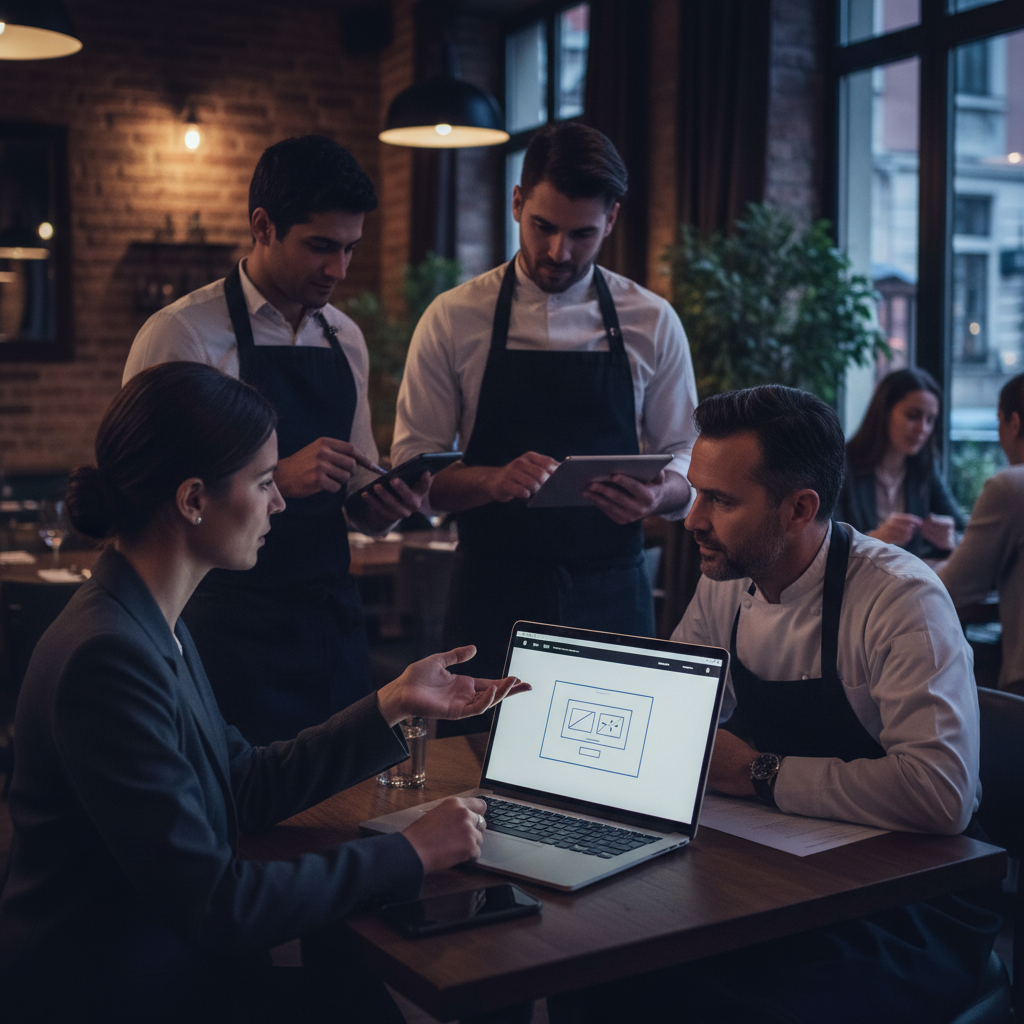
How to Add a Booking Widget to Your Restaurant Website
If guests have to hunt for your reservation link, open a new tab, or call during service hours just to book a table, you are losing covers. A booking widget solves that by letting people reserve directly from your restaurant website in a few taps. It shortens the path from interest to action, improves the guest experience, and gives your team a more organized reservation flow.
Build your restaurant website and manage customers in one place
See the Loop.fans Website & CRMFor independent restaurants, cafes, wine bars, and small hospitality groups, adding a booking widget is one of the highest-impact website upgrades you can make. It turns your site into a working sales channel instead of a digital brochure. Better yet, it helps you capture more direct reservations instead of sending guests through third-party marketplaces where your brand experience is limited.
In this guide, we will walk through how to add a booking widget to your restaurant website, what features matter most, where to place it, how to optimize it for conversion, and how tools like Loop.fans can help you connect reservations to loyalty and repeat visits.
What is a restaurant booking widget?
Need a website for your restaurant? Build your free restaurant website — Restaurant-ready templates with menu, booking, and loyalty built in.
A restaurant booking widget is an embedded reservation tool that sits on your website. Instead of linking guests out to a separate page, the widget allows them to choose a date, time, party size, and sometimes seating preference without leaving your site. Depending on the system you use, the widget can appear as an inline module, a floating button, a modal popup, or a dedicated booking section.
The main goal is simple: make booking frictionless. When a potential guest is already reading your menu, checking your location, or browsing photos, the widget gives them a fast next step. That matters because every extra click creates drop-off.
Why adding a booking widget matters
A reservation widget does more than look modern. It improves operations and supports revenue growth in practical ways:
- More direct bookings: Guests book from your own site, which strengthens your brand and reduces dependency on external platforms.
- Faster guest action: People can reserve the moment they decide, especially on mobile.
- Fewer phone interruptions: Staff spend less time answering repetitive reservation calls during busy service windows.
- Cleaner booking data: Guest details, reservation history, and visit patterns are captured in one system.
- Better conversion from traffic: Your website becomes a reservation funnel, not just an information page.
- Stronger remarketing potential: With the right system, reservation data can connect to loyalty campaigns, follow-ups, and future offers.
If your restaurant invests in SEO, social media, or local search, the booking widget is the bridge between discovery and revenue.
What you need before installation
Before you add a booking widget, make sure you have the right setup in place. The technical part is usually easy. The bigger decision is choosing the booking system behind the widget.
Start with these basics:
- A reservation platform: This could be a restaurant booking system with embeddable widgets.
- Website access: You or your developer need access to your website builder, CMS, or codebase.
- Booking rules: Decide your reservation times, maximum party sizes, table turn durations, blackout dates, and policies.
- Confirmation workflow: Set up automated confirmations, reminders, and cancellation handling.
- Mobile-first design review: Most guests will interact with the widget on a phone.
If you run a simple setup, you may only need a small embedded booking form. If you manage high volume, multiple dining periods, or different seating zones, you will want more advanced availability rules and automation.
Choose the right type of widget
Not every booking widget works the same way. The right format depends on your website layout and guest behavior.
Inline booking widget
This appears directly on the page, often on the homepage or reservations page. It is ideal if reservations are a primary action and you want users to see booking fields immediately.
Popup or modal widget
This opens when someone clicks a button like “Reserve a Table.” It keeps the page design cleaner while still making booking easy.
Floating booking button
A sticky booking button that follows the visitor as they scroll can work well on mobile and on longer pages with menus or events information.
Dedicated reservations page
Some restaurants combine a site-wide booking button with a full reservations page that explains hours, group policies, and private dining options. This is useful when guests need more context before booking.
In most cases, the best setup is a strong “Book Now” button across the site plus an embedded widget on the homepage or reservations page.
Where to place the booking widget for best results
Placement matters as much as installation. A widget buried in the footer will not convert as well as one placed where intent is highest.
High-performing placement options include:
- Top navigation: Add a clear “Reserve” or “Book a Table” button in your main menu.
- Homepage hero section: If reservations are core to the business, place the widget or call-to-action above the fold.
- Reservations page: Use a dedicated page for guests who want more detail before booking.
- Menu page: Visitors checking your menu are often close to deciding.
- Contact page: Include the widget near your hours, address, and phone number.
- Mobile sticky CTA: A fixed bottom or floating button often lifts mobile conversions.
The best rule is simple: the booking path should be obvious from every high-intent page.
How to add a booking widget step by step
1. Get the embed code or integration link
Most reservation platforms provide an embed snippet, JavaScript widget, or hosted link. In your booking system dashboard, look for options like embed widget, website integration, booking button, or reservation popup.
Copy the provided code exactly as instructed. Some systems also let you customize colors, button labels, or default location settings before you embed.
2. Add it to your website builder or CMS
How you install it depends on your platform:
- WordPress: Use a custom HTML block, widget area, or theme template.
- Squarespace: Insert the code in a code block or use a button tied to your booking URL.
- Wix: Add custom embed code or connect the booking service through app integrations.
- Shopify or custom sites: Place the code in the relevant template, section, or component.
If you are working with a developer, tell them whether you want the widget inline, as a popup, or attached to a booking button. Be specific about placement on desktop and mobile.
Get a website built for restaurants — with CRM, loyalty and bookings included
See the Loop.fans Website & CRM3. Style it to match your brand
Your booking widget should feel like part of your website, not an afterthought. Match the button text, spacing, and colors where possible. Keep the language simple and direct: “Reserve a Table” usually performs better than vague wording.
If the widget has limited design controls, focus on the surrounding layout. Use clean spacing, a strong heading, and reassuring copy such as “Instant confirmation” or “Book in under a minute.”
4. Configure availability and policies
Before going live, check that your reservation settings are accurate. This includes service hours, closed dates, booking intervals, lead times, cancellation windows, and any deposit requirements. A widget is only as good as the rules behind it.
Also consider whether to allow waitlists, large-party requests, or patio-specific availability. These details shape the guest experience and reduce staff cleanup later.
5. Test the full journey on desktop and mobile
Never publish a widget without testing it. Go through the booking process yourself on different devices. Make sure the widget loads quickly, the calendar works properly, form fields are easy to use, and confirmation emails arrive.
Pay special attention to mobile. If fields are hard to tap, if the popup gets cut off, or if the button is hidden below the fold, you will lose bookings.
Common mistakes to avoid
Restaurants often install a booking widget and assume the job is done. In reality, poor setup can quietly hurt conversion. Watch out for these common issues:
- Too many steps: Keep the booking flow short and focused.
- Weak visibility: If the reserve button is hard to find, guests will leave.
- Mobile friction: Small text, awkward popups, and slow loading kill performance.
- Broken availability rules: Incorrect schedules create guest frustration and operational headaches.
- No confirmations or reminders: Automated messages reduce no-shows and uncertainty.
- Disconnect from marketing: If reservation data lives in isolation, you miss retention opportunities.
How to improve booking conversions after installation
Once the widget is live, treat it like a conversion tool, not a static feature. Small improvements can create meaningful gains:
- Use clear calls to action: “Reserve a Table” and “Book Now” outperform generic labels.
- Show trust signals: Mention instant confirmation, easy cancellation, or popular dining times.
- Reduce distractions: Keep the booking area uncluttered and easy to scan.
- Add urgency carefully: Prompts like “Book your weekend table early” can help without feeling pushy.
- Track clicks and completed reservations: Measure where guests start and where they drop off.
- Connect offers to follow-up: Encourage return visits through loyalty or post-dining campaigns.
Even simple A/B testing, such as moving the booking button higher on the page or changing the CTA text, can improve results.
Why mobile optimization is non-negotiable
For many restaurants, most website traffic comes from mobile users coming from Instagram, Google Maps, local search, or word of mouth. That means the booking widget must work flawlessly on small screens.
A mobile-friendly booking widget should have:
- Large tap targets
- Fast load speed
- Simple date and time selection
- Minimal typing
- Readable confirmation screens
- No broken overlays or hidden buttons
If your mobile experience is poor, you may think demand is soft when the real problem is conversion friction.
Connect reservations to loyalty and repeat visits
The most effective restaurants do not stop at taking a reservation. They use reservation activity to build stronger guest relationships over time. This is where platforms like Loop.fans become especially useful.
With Loop.fans, hospitality businesses can pair reservation-driven touchpoints with loyalty, rewards, and retention campaigns. Instead of treating each booking as a one-off transaction, you can encourage repeat visits through points, return incentives, and digital engagement tied to guest behavior.
For example, a restaurant can drive website visitors to book directly, then follow up after the visit with a loyalty prompt, seasonal offer, or VIP-style perk. That creates a better long-term return on each reservation and helps the website function as part of a broader growth system.
What to look for in booking software behind the widget
If you are still evaluating platforms, focus on practical capabilities rather than flashy features. A strong booking widget should be backed by software that offers:
- Real-time availability
- Custom booking rules
- Automated confirmations and reminders
- Guest notes and reservation history
- Table or capacity management
- Waitlist support
- Mobile-friendly embed options
- Reporting and basic analytics
- Integrations with CRM, email, or loyalty tools
For smaller operators, usability matters as much as depth. The best system is the one your staff will actually manage consistently.
Final thoughts
Adding a booking widget to your restaurant website is one of the simplest ways to convert traffic into revenue. It makes reservations easier for guests, reduces operational friction for staff, and gives your business a more direct relationship with diners.
The installation itself is usually straightforward. The real win comes from choosing the right widget, placing it prominently, optimizing it for mobile, and connecting it to a broader guest retention strategy.
If your restaurant wants more direct reservations and better repeat business, start by making booking effortless on your own website. Then make sure the system behind that booking experience supports the kind of hospitality relationship you want to build.
Ready to build your restaurant website?
See the Loop.fans Website & CRMImplementing How To Add Booking Widget To Restaurant Website for Maximum Impact
Successfully adding how to add booking widget to restaurant website requires a strategic approach that aligns with your overall business goals. Start by auditing your current customer journey to identify the best integration points. For restaurants, this might mean placing QR codes prominently on tables or creating a seamless online reservation flow directly from your website. For events and festivals, focus on mobile-first experiences that encourage real-time participation.
Key best practices include ensuring mobile responsiveness, integrating with your existing loyalty or CRM systems, and providing clear calls-to-action. Test different designs and messaging with a small audience before full rollout. Track metrics such as engagement rate, conversion to sign-ups, repeat visits, and customer feedback to measure success.
Real-World Examples and Case Studies
Many successful brands have leveraged similar strategies to boost engagement and retention. Consider how major sports teams use fan engagement platforms to maintain year-round connection through loyalty programs, gamified apps, and personalized offers. Restaurants using AI-powered QR menus have seen significant increases in data collection and repeat business by offering personalized recommendations based on past orders.
Festivals that implemented volunteer reward systems and post-event communities report higher attendee satisfaction and return rates. Tourism operators using destination loyalty programs see improved repeat visitation by rewarding cultural experiences and local business partnerships. These examples demonstrate that thoughtful implementation of loyalty, engagement, and digital tools delivers measurable ROI.
Choosing the Right Tools and Platforms
When selecting tools for how to add booking widget to restaurant website, prioritize platforms that offer easy integration, robust analytics, and scalability. Look for solutions with strong mobile support, customizable templates, and seamless connections to your website or POS system. Free and freemium options can be great starting points for small businesses, while enterprise features like advanced segmentation and automation suit larger operations.
- Integration capabilities: Ensure compatibility with your current tech stack.
- Analytics and insights: Access to dashboards that show real performance data.
- Customer support: Responsive help when you need to troubleshoot or optimize.
- Cost-effectiveness: Balance features with your budget — many tools offer generous free tiers.
Compare options like specialized QR menu generators, website builders with booking widgets, or comprehensive customer engagement platforms to find the best fit.
Future Trends in Customer Engagement and Loyalty
The landscape is evolving rapidly with AI personalization, gamification, UGC integration, and data-driven experiences becoming standard. Expect more emphasis on purpose-driven loyalty that aligns with customer values, seamless omnichannel experiences, and privacy-first data collection. Brands that stay ahead by adopting these trends will build stronger communities and more resilient revenue streams.
Whether you're a restaurant owner looking to modernize your menu and reservations, a festival organizer building year-round fan connection, or a hospitality group implementing coalition loyalty, focusing on genuine value and exceptional experiences will differentiate you in a competitive market.