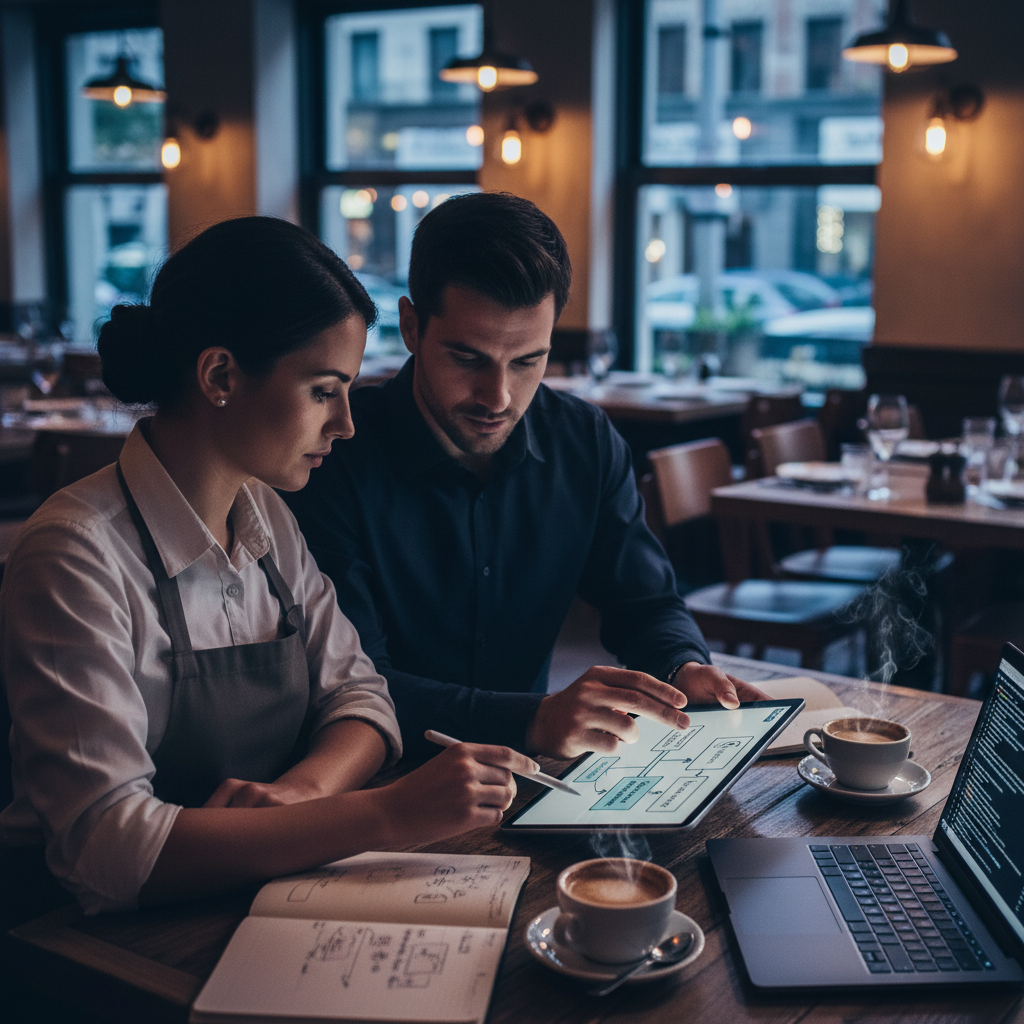
How to Create an Online Booking System for a Restaurant
An online booking system for a restaurant should do more than accept reservation requests. It should help your team manage availability accurately, reduce booking friction for guests, and turn website traffic into confirmed covers with as little manual effort as possible.
Build a loyalty program your customers will actually use
See Loop.fans Loyalty & RewardsThis guide walks through what a restaurant booking system needs, how to set one up, and how to make sure the system supports operations instead of creating extra administrative work.
What an Online Booking System Actually Does
Need a free booking system for your restaurant? Try our free restaurant booking system — Online reservations with table management and automatic confirmations.
At a basic level, a booking system allows customers to pick a date, time, and party size, then submit a reservation without calling the restaurant. But the better systems go further: they manage capacity by time slot, match parties to table availability, send confirmations and reminders, and give staff an accurate live view of the reservation book.
That matters because restaurant reservations are operational, not just informational. A booking system affects pacing, table turns, staffing, guest flow, and the overall service experience. If the system is loose or inaccurate, the dining room feels the consequences quickly.
The Core Parts of a Restaurant Booking System
- Guest-facing booking flow: the part customers see on your website or booking page.
- Availability logic: the rules that determine which times and party sizes can be booked.
- Table and pacing management: the internal logic that prevents overbooking and bad floor planning.
- Notifications: confirmations, reminders, modification notices, and cancellation handling.
- Operations dashboard: what hosts and managers use to see and manage reservations in real time.
Step 1: Decide How Complex Your Reservation Needs Are
Not every restaurant needs the same system. A small neighborhood bistro taking a modest number of reservations per night can operate well on a relatively simple online booking system. A multi-room restaurant, a venue with event bookings, or a high-demand fine dining operation needs more advanced pacing, waitlist, and prepayment logic.
Before choosing a tool, define your actual requirements:
- How many reservations do you typically take per service?
- Do you seat only standard table sizes, or do you regularly combine tables?
- Do you need a waitlist?
- Do you require deposits or card holds for no-show protection?
- Do you need the booking system embedded directly in your website?
Step 2: Choose the Right Booking Tool
There are two main approaches. The first is using a dedicated reservation platform such as OpenTable, Resy, Tock, or a lighter-weight restaurant booking software. The second is embedding a simple booking widget or form into your site and managing reservations through a lighter workflow.
Dedicated platforms are better for restaurants with more booking complexity, higher volume, or guest-experience expectations tied to reservations. Simpler widgets work well when the reservation book is lighter and the team can manage edge cases manually.
Step 3: Set Your Booking Rules
The biggest booking-system mistake is treating all time slots and party sizes as interchangeable. A good online restaurant booking system needs rules:
- Advance booking window
- Same-day booking cutoffs
- Minimum and maximum party size by service
- Time-slot intervals
- Expected table duration by party size
- No-show and cancellation policy
These rules are what make the difference between "we take bookings online" and "our booking system actually protects service quality."
Step 4: Add the Booking Flow to Your Website
Your online booking system should be visible and easy to use. The booking CTA should appear in the site header, on the homepage above the fold, and on a dedicated reservations page. If customers need to hunt for the booking button, conversion drops.
Embedded booking widgets usually convert better than sending users off-site, because each extra redirect introduces friction. If the platform requires an off-site flow, make sure the transition feels trustworthy and clear.
Step 5: Automate Confirmations and Reminders
Basic automation dramatically improves reservation quality. At minimum, a booking system should send an immediate confirmation and a reminder ahead of the booking. This reduces no-shows and gives guests confidence that the reservation is real.
For higher-demand restaurants, reminders should also make it easy for guests to cancel or modify in advance. That gives the restaurant a better chance to refill the table.
Step 6: Use Booking Data Operationally
A restaurant booking system generates useful data: peak booking times, lead time before reservations, no-show patterns, average party sizes, and table-turn assumptions. The best operators use that data to improve staffing, pacing, and booking rules over time.
For example, if your data shows that four-top bookings at 7:30 PM consistently sit longer than the default time allocation, the system should reflect that. If late bookings have a higher no-show rate, you may need a reminder adjustment or card hold policy.
What to Avoid
- Manual-only confirmation: it slows your team down and increases guest uncertainty.
- Overly rigid time slots: these can create artificial gaps and hurt utilization.
- No cancellation path: guests who cannot easily cancel often just no-show.
- Hidden booking CTA: if reservations drive revenue, the CTA should be obvious everywhere.
Final Take
Creating an online booking system for a restaurant is not about installing any reservation widget and calling it done. It is about building a booking flow that fits how your dining room actually works. The best systems reduce friction for guests, improve visibility for staff, and support smoother service from the moment a reservation is made to the moment the table is closed out.
Free loyalty program — no app download needed for customers
See Loop.fans Loyalty & RewardsIf done properly, an online booking system becomes a revenue tool, not just a convenience feature — and for many restaurants, it becomes one of the most valuable parts of the website.
Why Online Reservations Are Now a Guest Expectation
The shift from phone reservations to online booking wasn't gradual — it was decisive. Today, the majority of guests under 40 prefer to book a table online, and a significant portion will choose a different restaurant rather than call during limited business hours. If your restaurant still relies primarily on phone reservations, you're not just losing convenience points — you're losing bookings to competitors who've made the process easier.
Online reservation systems also benefit you operationally. They reduce no-shows through automated reminders, capture guest data for your CRM, and give you a real-time view of your reservation book without staff needing to manage a phone line during service.
What to Look for in a Restaurant Reservation System
Not all reservation platforms are built equally. Here's what matters when evaluating your options:
- Ease of use for guests: The booking flow should be fast and frictionless on mobile. Every additional tap or field reduces conversion rates.
- Automated reminders: SMS and email reminders sent 24–48 hours before a reservation can cut no-show rates by 20–40%. This feature alone pays for most systems.
- Table and floor management: Good systems let you manage your floor plan digitally, track turn times, and optimize seating across a service period.
- Guest data capture: The best systems store notes about guest preferences, dietary restrictions, and visit history — turning every reservation into a personalization opportunity.
- Integration with your POS and loyalty program: A reservation system that connects with your point-of-sale and loyalty platform (like Loop.fans) creates a unified guest profile that improves every interaction.
- Cost and fee structure: Some platforms charge per cover, others charge flat monthly fees. Understand how costs scale as your volume grows.
Free vs. Paid Reservation Systems: What You Actually Get
Several free or low-cost reservation tools exist for restaurants, and they can be a good starting point. However, free plans typically come with limitations that become significant as you grow:
- Limited bookings per month before fees kick in
- Basic or no floor management tools
- Minimal guest data retention
- No integration with POS or loyalty systems
- Platform branding on your booking widget
For high-volume or growth-oriented restaurants, the operational efficiency and guest experience improvements of a full-featured paid system typically deliver strong ROI. Even a modest reduction in no-shows can offset the monthly cost.
Connecting Reservations to Your Loyalty Program
Your reservation confirmation flow is one of the highest-engagement touchpoints you have. A guest who just booked a table is excited about their visit — that's the perfect moment to introduce your loyalty program. Loop.fans enables restaurants to add loyalty sign-up prompts to reservation confirmation emails, letting guests earn points for their upcoming visit before they even arrive.
This connection transforms a transactional confirmation into the beginning of a loyalty relationship. Over time, guests who enroll through the reservation flow have higher lifetime value than those who don't — they're already planning to return, and your loyalty program gives them an additional reason to.
Managing Walk-Ins Alongside Online Reservations
Online reservations don't mean you can't accommodate walk-ins — it just requires a more disciplined floor management approach. Most successful systems set aside a percentage of capacity for walk-ins, use waitlist technology for overflow, and train hosts to communicate wait times accurately and confidently.
Digital waitlist tools let walk-in guests receive a text when their table is ready, rather than hovering near the host stand. This improves the guest experience and reduces the perception of wait time — guests feel more free to browse nearby or sit at the bar when they're not anchored to the entrance.
Start your loyalty program today — free
See Loop.fans Loyalty & RewardsFrequently Asked Questions About Restaurant Reservations
How far in advance should I open reservations?
Most casual and mid-range restaurants open reservations 2–4 weeks in advance. Fine dining restaurants often extend this to 30–60 days. Opening too far in advance can lead to more no-shows; too close in limits planning for guests with busy schedules.
What's the best way to reduce no-shows?
Automated SMS or email reminders sent 24–48 hours before the reservation are the single most effective intervention. Some restaurants also take a credit card at booking with a cancellation policy — effective for high-demand times but can reduce overall booking volume.
Do I need a reservation system if I'm a small restaurant?
Even small restaurants benefit from basic reservation management. The guest data capture, no-show reduction, and operational clarity of a digital system typically outweigh the cost, even at low volumes.
Also on Loop.fans: Build your restaurant's online presence with our AI website builder for restaurants — includes CRM, loyalty, and online booking in one place.
Getting the most out of how to create online booking system for restaurant: advanced tips and next steps
Use data to refine continuously
Track which menu items generate the most revenue per square foot of prep space, not just which sell the most units. High-margin, low-effort items deserve prominent placement; low-margin, high-complexity items should be reviewed regularly.
Connect menu strategy to loyalty
Your best-selling items are your loyalty program's best promotional tools. Offering a free version of your most popular dish as a reward drives redemptions, visibility, and word-of-mouth far more effectively than a generic discount.
Test incrementally, not all at once
Menu changes are experiments. Change one section at a time, give it 4–6 weeks, and measure the impact on total covers, spend per head, and reorder rate before making the next change.
Optimize for operational rhythm
The best menus are designed with kitchen flow in mind. Items that share prep components, cooking methods, or timing reduce service friction and improve consistency — especially during peak hours.
Ready to get started?
Start your free restaurant loyalty program — Free to start. No customer app download required.