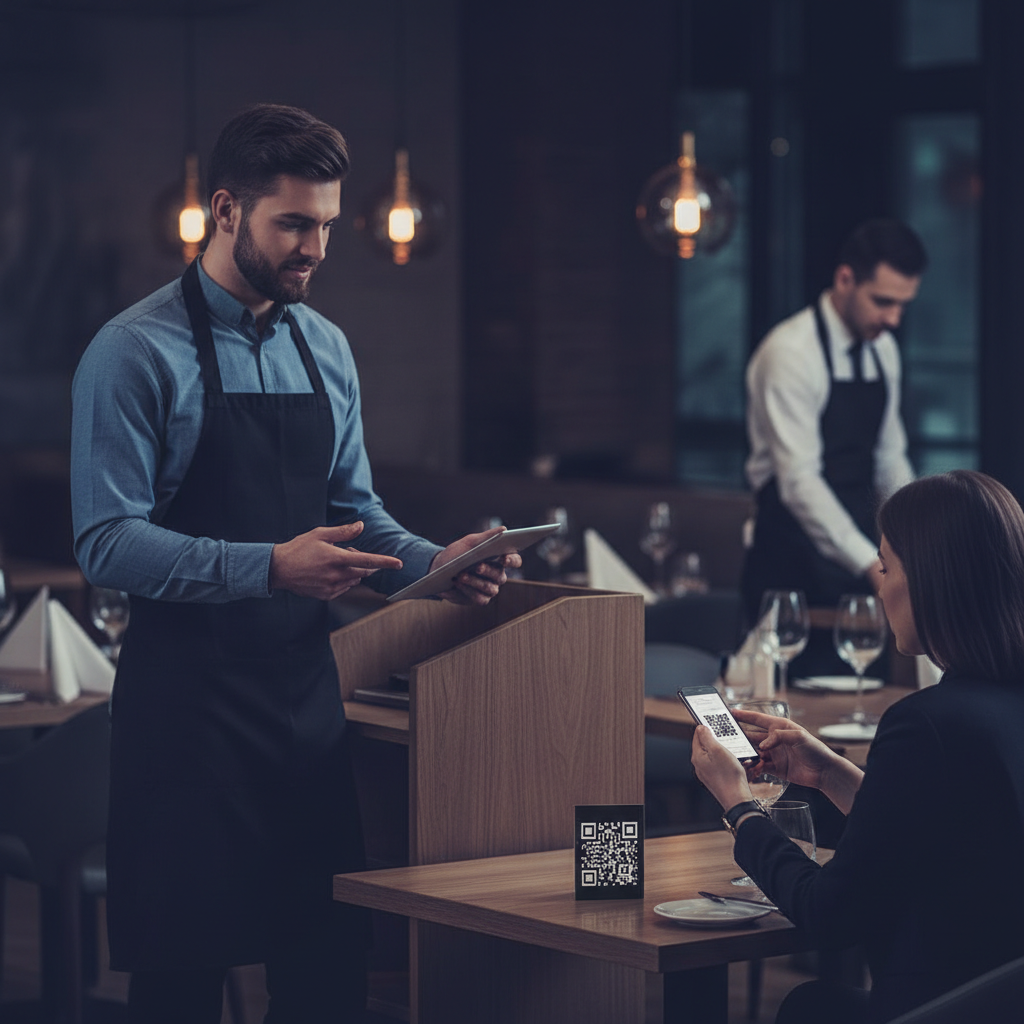
How to Create a QR Code Menu for a Restaurant
QR code menus have moved from emergency pandemic workaround to standard restaurant infrastructure. Done well, a QR menu improves operational flexibility, reduces printing costs, and gives restaurants a direct digital touchpoint with customers. Done poorly, it frustrates customers and creates unnecessary friction at the table.
Build your digital or QR menu in minutes
Try our Free AI Menu Builder for RestaurantsThis guide walks through how to create a QR code menu for a restaurant — from choosing the right menu format to generating the code, hosting the menu, placing QR codes at tables, and making the whole experience feel seamless for guests.
What a QR Code Menu Actually Is
Want a digital menu with QR code for your restaurant? Build your free digital menu — Create a QR menu in minutes — update it anytime, no printing required.
A restaurant QR code menu is simply a scannable code that opens your menu on a customer's phone. The QR code itself doesn't contain the menu — it contains a link to where the menu is hosted online. That destination might be a PDF, a web page, a hosted digital menu platform, or an ordering page.
The best QR menus feel instant: scan, menu opens, text is readable, and the content is current. The worst QR menus force the customer to pinch and zoom on an outdated PDF or navigate a page that wasn't designed for mobile screens.
Choose the Right Menu Format First
Before generating a QR code, decide what the QR code should open. There are three main options:
- PDF menu: Fastest to launch. Export your current menu as a PDF, host it online, and link the QR code to that file. Good for simple implementations, but not ideal for mobile readability unless the PDF is designed for phones.
- Mobile web page: Best overall experience. A responsive web page displays your menu in a format optimized for phone screens, updates easily, and is indexable by search engines.
- Digital menu platform: Best for live updates, QR code management, and integration with online ordering or loyalty systems. Often requires paid software but adds meaningful capabilities.
For most restaurants, a mobile-friendly web page is the best long-term option. A PDF works as a fast launch tool if you're moving quickly.
Step 1: Create or Prepare the Menu Content
Your QR code menu is only as good as the menu itself. Before you make the QR code, make sure your menu content is accurate and structured cleanly. Each category should be clearly separated, item names and prices should be easy to scan, and the menu should reflect your current live offering — no sold-out items, no outdated pricing, no seasonal dishes that disappeared weeks ago.
If you're starting from a printed menu, convert it into a digital format first. Tools like Canva, Adobe Express, or dedicated menu builders make it easy to publish a menu online.
Step 2: Host the Menu Online
A QR code needs a destination URL. That means your menu has to live somewhere online. Common hosting options include:
- Your restaurant website (`/menu` or `/menus/main-menu`)
- A hosted PDF on your site or cloud storage
- A digital menu platform URL
- An online ordering page that includes the menu
Whenever possible, host the menu on your own domain. This gives you full control, helps with SEO, and creates a more trustworthy customer experience than a random third-party link.
Step 3: Generate the QR Code
Once your menu is live at a stable URL, generate the QR code using a QR menu generator or general QR code tool. Many tools are free and only require the menu URL:
- QR Code Monkey
- QRCode Generator
- Canva QR code app
- Digital menu platforms with built-in QR generation
Use a static QR code if the destination URL will not change. Use a dynamic QR code if you want the flexibility to change the destination later without reprinting the code. Dynamic codes are particularly useful for restaurants because your menu infrastructure may change over time even if the QR code printed on tables stays the same.
Step 4: Test the Customer Experience
Before you print QR codes for tables, test the full customer journey on multiple phones:
- How fast does the menu open?
- Is the text readable without zooming?
- Do images load quickly?
- Can a customer navigate categories intuitively?
- Does the menu look good on both iPhone and Android?
A QR menu that technically works but is painful to use is worse than a simple printed menu. The scan-to-view journey should feel frictionless.
Step 5: Place QR Codes Where Customers Naturally Look
Where you place the QR code matters. The most common placements are:
- On table tents or acrylic table displays
- Printed directly on the table using stickers or laminated cards
- At the host stand for walk-in guests waiting to be seated
- On printed menus as a digital alternative
Make the QR code physically large enough to scan easily — at least 1.5 inches square for close-range table scanning. Add a short line of instruction like: Scan to view our menu or Scan for today's menu and specials.
Design Best Practices for Restaurant QR Menus
A QR menu should be designed for phones, not simply adapted from a printed 8.5x11 menu. Key best practices:
- Use larger type than you would on print — 16px minimum for body text
- Stack categories vertically for scrollable navigation
- Avoid forcing users to download a PDF if a web page is available
- Use clean buttons or jump links to menu categories
- Make prices and item names easy to scan at a glance
If your QR code opens a PDF, make sure the PDF was designed with mobile reading in mind. A print PDF that requires constant zooming creates a poor guest experience.
QR Menus and Restaurant Operations
The biggest operational advantage of QR menus is update speed. You can add daily specials, remove sold-out dishes, and update prices instantly without reprinting anything. This is particularly useful for bars, cafes, and seasonal menus that change frequently.
QR menus also create a small but meaningful labor saving: servers spend less time physically distributing menus and can instead focus on guiding guests through the menu, recommending dishes, and upselling intentionally.
Should You Replace Printed Menus Entirely?
Not always. Many restaurants operate best with a hybrid system: printed menus for customers who prefer paper, QR menus as an easy digital alternative. This is especially true for older demographics or fine-dining contexts where a printed menu is part of the experience.
The most important principle is customer comfort. QR menus should feel like a convenience, not a forced friction point. If your guest experience improves with optional digital access rather than mandatory digital access, build it that way.
QR Menus and Customer Data
One overlooked advantage of QR menus is the ability to connect menu browsing with customer data and engagement systems. If your QR menu points to a page on your website, you can track views, popular categories, and customer behavior patterns. Pairing QR menus with loyalty or marketing systems creates opportunities to invite customers to join your rewards program or sign up for offers directly from the menu experience.
Create your menu now — free, no design skills needed
Try our Free AI Menu Builder for RestaurantsPlatforms like Loop.fans make this particularly interesting because the menu can become part of a broader fan engagement journey — not just a static list of items, but a touchpoint where guests connect with the brand, join loyalty, and move deeper into the relationship.
Final Take
Creating a restaurant QR code menu is straightforward: prepare a mobile-friendly menu, host it online, generate a QR code, and place it where guests can scan it easily. The difference between a mediocre QR menu and a good one lies in the details: mobile readability, speed, up-to-date content, and how naturally it fits into the dining experience.
For most restaurants, the best starting point is a simple responsive menu page on your own site linked via a dynamic QR code. It's low cost, flexible, and easy to improve over time.
Why QR Menus Have Become Essential for Modern Restaurants
The adoption of QR code menus accelerated dramatically during the pandemic, but their advantages have kept them mainstream well beyond that period. Restaurants that switched to QR menus discovered benefits that go far beyond hygiene: instant menu updates, reduced printing costs, richer customer data, and a more streamlined table experience.
For small and independent restaurants especially, QR menus level the playing field. A small bistro can now offer the same polished digital experience as a large chain — complete with high-resolution food photography, allergen information, real-time specials, and even integrated ordering — without the overhead of a dedicated tech team.
How QR Menus Connect to Customer Loyalty on Loop.fans
One of the most underutilized opportunities in QR menu strategy is the connection to loyalty programs. When a guest scans your QR menu, you have a moment of direct digital engagement. Loop.fans enables restaurants to embed loyalty sign-up flows directly into that touchpoint — so a scan becomes not just a menu view, but the beginning of a customer relationship.
Guests can earn points for visits, for sharing photos of their meals, or for leaving reviews. This turns every table scan into a potential loyalty conversion. Over time, you build a database of engaged regulars rather than anonymous covers.
Step-by-Step: Getting Your QR Menu Right
- Choose a platform that allows instant updates: Your QR code should link to a live menu, not a static PDF. When you 86 an item or change a price, it should update in seconds.
- Design for mobile first: Most guests will view your menu on a smartphone. Large tap targets, readable fonts, and fast load times matter more than desktop aesthetics.
- Include high-quality photos: Menus with food photography see higher average check sizes. Even simple, well-lit photos on a smartphone can make a significant difference.
- Add allergen and dietary labels: Guests with dietary restrictions appreciate clear labeling. This also reduces the load on your servers fielding ingredient questions.
- Test the scan from every table: QR codes can fail if printed too small, placed in low-light areas, or laminated with a glossy finish that creates glare. Test each placement before service.
Common QR Menu Mistakes to Avoid
Even restaurants with good intentions make avoidable mistakes with their QR menu rollouts. Here are the most common issues and how to fix them:
- Linking to a PDF: A PDF menu is not searchable, not responsive, and cannot be updated in real time. Always use a hosted digital menu platform.
- No fallback for guests without smartphones: Always have a few physical menus or a printed sheet available for guests who prefer or need them.
- Poor placement: A QR code that's too small, placed flat on the table under a candle, or behind a condiment holder will frustrate guests. Mount it at eye level or use a table tent stand.
- Forgetting to update the menu: The biggest advantage of a digital menu is real-time updates. If your QR menu still shows a seasonal item from three months ago, you've lost the benefit.
- Not tracking scan data: Most QR menu platforms provide analytics on scan rates by table, time of day, and popular items. Use this data to optimize your menu engineering and staffing.
QR Menus and the Future of Table Service
QR menus are increasingly becoming the first layer of a broader digital table experience. Forward-thinking restaurants are integrating them with order-at-table systems, payment solutions, and loyalty programs to create a fully connected dining journey. A guest can scan, browse, order, pay, earn loyalty points, and leave a review — all from their phone, without a server needing to handle paper, terminals, or receipts.
This doesn't replace hospitality; it enhances it. When servers are freed from transactional tasks like handing out menus and processing payments, they can focus on the human elements that create memorable experiences: recommendations, personalization, and genuine connection.
Ready to build your digital menu?
Try our Free AI Menu Builder for RestaurantsFrequently Asked Questions About QR Menus
Do QR menus work for every type of restaurant?
QR menus work well for most dining formats, including casual dining, fast casual, cafes, and bars. Fine dining restaurants sometimes prefer physical menus for the tactile experience, but many still use QR codes for wine lists or dessert menus.
Are QR menus free to use?
Many QR menu platforms offer free tiers with basic features. Paid plans typically unlock analytics, custom branding, ordering integration, and loyalty features. For most small restaurants, a free or low-cost plan covers the essentials.
Can I still use printed menus alongside QR codes?
Absolutely. Most restaurants use QR codes as the primary option while keeping a small number of printed menus for guests who prefer them. A hybrid approach ensures no guest is left without a good experience.