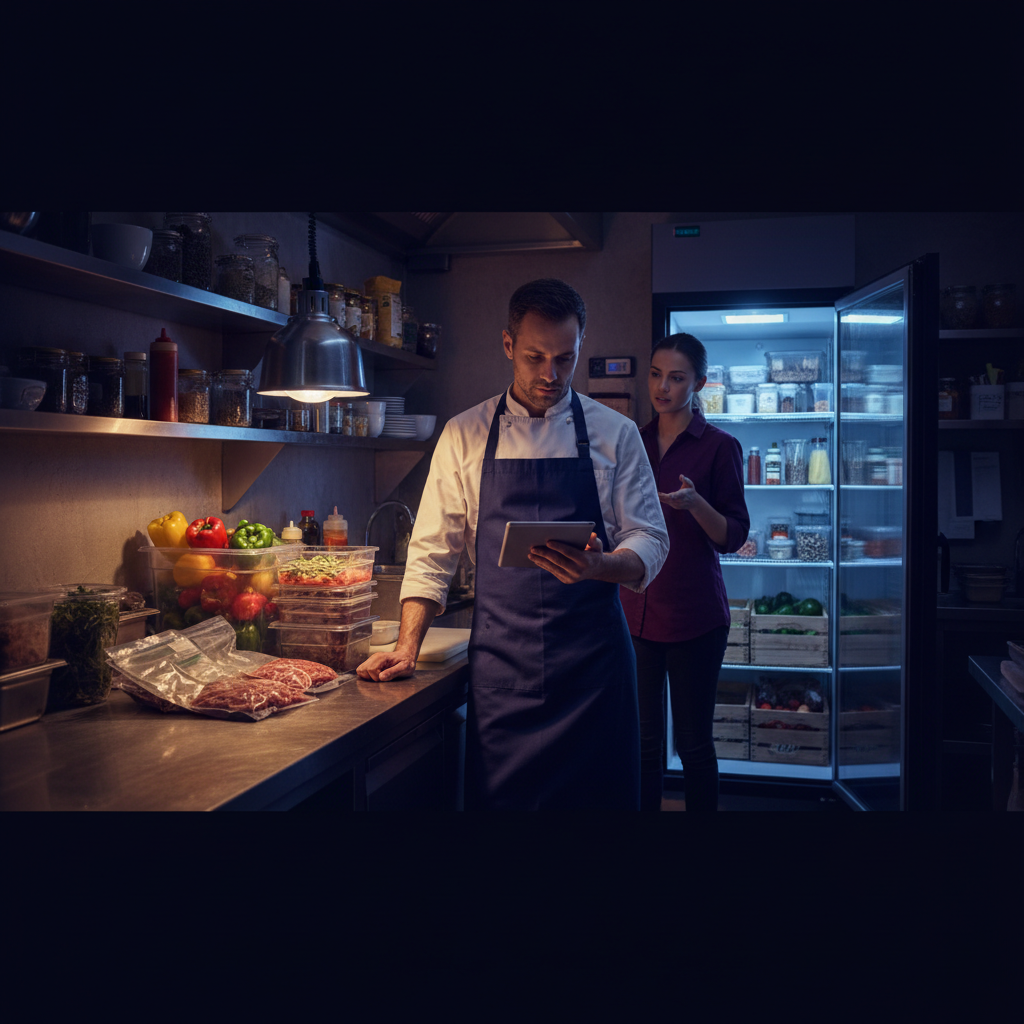
Restaurant Inventory Management Software: What's Actually Worth Paying For
Food cost is one of the largest controllable expenses in a restaurant. A 1% swing in food cost can mean thousands of dollars a month in profit or loss. Restaurant inventory management software promises to help you track stock levels, reduce waste, prevent over-ordering, and ultimately control costs. But many restaurant operators end up paying for features they never use or sticking with spreadsheets that work fine for their specific size and operation. This comprehensive guide cuts through the marketing hype to show what actually moves the needle on food cost percentage and operational efficiency.
Effective restaurant inventory management software reduces waste, improves food cost, and gives operators better visibility into their most profitable menu items. Many restaurants pair their inventory system with a restaurant loyalty program and best loyalty apps for restaurants to build a complete customer retention stack. Your POS system is the bridge between the two — see our guides on the best restaurant POS systems and POS loyalty program integration for the full picture.
Control costs first. Then bring customers back with loyalty.
Build Free Loyalty with Loop.fansWhy Restaurant Inventory Management Matters
Want to bring more guests back through your door? Launch your free restaurant loyalty program — No customer app download required. Set up in 10 minutes.
The average independent restaurant runs at 28-35% food cost. Top performing operations consistently stay under 25%. The difference often comes down to visibility, accountability, and discipline around inventory management. Without good tracking systems, restaurants commonly over-order ingredients, let perishable items expire in the walk-in, or lose track of what’s actually on hand versus what the books say. Good restaurant inventory management software provides real-time visibility into stock levels, automatic reorder suggestions based on usage patterns, and detailed variance reports that highlight where product is disappearing — whether through theft, waste, spoilage, or poor portion control.
Beyond cost control, effective inventory management improves cash flow by reducing tied-up capital in excess stock, minimizes emergency supply runs that cost extra in rush fees, and provides valuable data for menu engineering. When you know exactly what your menu items actually cost to produce (including all ingredients, prep, and waste), you can make informed decisions about pricing, specials, and which dishes to promote or remove from the menu.
Free Options: When a Spreadsheet Is Enough
For many small, single-location restaurants, a well-designed Google Sheets template or simple Excel file is more than sufficient. You can track daily usage, calculate theoretical versus actual food costs, set par levels for each item, and even build basic recipe costing. The advantages are zero monthly cost, complete customization to your exact operation, and no learning curve for new software. The disadvantages include time-consuming manual entry, lack of mobile-friendly access for kitchen staff during busy shifts, no automatic integrations with your POS or supplier systems, and higher risk of human error in calculations.
If you have one location, annual revenue under $500,000, fewer than 30 menu items, and a dedicated manager who stays on top of nightly counts and weekly inventory, starting with a spreadsheet is smart. Popular free resources include templates from RestaurantOwner.com, the National Restaurant Association, or even basic ones shared in restaurant Facebook groups. Many successful operators use these for years before scaling up. You can add features like conditional formatting to highlight low-stock items in red or use simple scripts for basic variance calculations.
Paid Restaurant Inventory Management Software Compared
MarketMan
MarketMan has become one of the most popular choices for independent and small chain restaurants. It offers robust inventory tracking, detailed recipe costing, vendor management with online ordering, and excellent reporting capabilities. Pricing typically starts around $149 per month for a single location, scaling with additional features or locations. One of its strongest features is deep integration with many POS systems, allowing inventory to update automatically as items are sold at the register. This dramatically reduces manual entry time. MarketMan excels at recipe costing (including sub-recipes and batch prep), variance analysis that breaks down discrepancies by category or even by employee, and mobile apps that let managers perform counts from their phone while walking the cooler. It's particularly strong for operations focused on precise food costing and reducing waste through actionable insights.
Restaurant365
Restaurant365 takes a more comprehensive approach by combining inventory management with accounting, scheduling, and even some HR functions in a single unified platform. This makes it especially attractive for multi-location operations or restaurants that want to consolidate multiple back-office systems. While pricing is custom quoted and generally higher than MarketMan (often starting in the $300-500+ range depending on complexity), the value comes from having everything in one place with consistent data flow between modules. Inventory updates feed directly into their accounting system for accurate cost of goods sold calculations. It's ideal for groups that need consolidated reporting across locations, advanced budgeting tools, and tighter financial controls. The learning curve is steeper than some competitors, but the all-in-one nature can reduce the number of software subscriptions needed.
BlueCart
BlueCart is particularly strong in the procurement and ordering space while still offering solid inventory tracking. Its standout feature is the extensive network of distributors it connects to, making online ordering fast and often providing access to real-time pricing and availability from multiple suppliers. Inventory features are capable but less recipe-focused than MarketMan. It's a great fit if your biggest operational pain point is managing multiple vendors, comparing prices, or streamlining the ordering process. Pricing is typically usage or location based. Many operators find it pays for itself through better purchasing decisions and time saved on phone calls and faxes with suppliers.
Quick Comparison Table
| Feature | MarketMan | Restaurant365 | BlueCart |
|---|---|---|---|
| Best For | Independent restaurants | Multi-unit operations | Heavy ordering focus |
| Recipe Costing | Excellent | Very Good | Basic |
| POS Integration | Broad | Strong | Good |
| Pricing (approx) | $149+/mo | Custom $300+ | Usage based |
| Mobile App | Excellent | Good | Good |
When to Upgrade from Free Tools to Paid Software
Most restaurants should upgrade to paid restaurant inventory management software when manual processes start consuming too much time or when food cost variance exceeds acceptable levels. Specific triggers include: operating multiple locations, weekly manual inventory counts taking more than 2-3 hours, consistent food cost variance over 3%, frequent stockouts or emergency orders, difficulty calculating accurate menu costs, or when growth makes spreadsheets error-prone. The typical ROI timeline for these systems is 3-6 months through a combination of reduced waste (often 5-10% food cost savings), better purchasing decisions, and significant time savings for managers.
Before purchasing, run a 30-day trial with your actual data. Import your menu recipes, run a full physical inventory, and compare the insights against your current system. Pay close attention to how much time it saves and whether the reports are actionable for your team.
Integration with Your POS System
The most powerful inventory systems connect directly to your point of sale so that every sale automatically deducts ingredients from inventory based on recipes. This nearly eliminates manual entry for sales and provides much more accurate real-time stock levels. Popular POS integrations include Toast, Square for Restaurants, Clover, Lightspeed Restaurant, TouchBistro, and Revel. When evaluating software, confirm that your specific POS version is supported with two-way sync if possible. Some systems also integrate with accounting software like QuickBooks or Xero for seamless financial reporting.
Control costs first. Then bring customers back with loyalty.
Build Free Loyalty with Loop.fansImplementation Best Practices
Successful implementation starts with accurate initial data. Take a full physical inventory before going live. Build detailed recipes that include all ingredients, yields, and prep steps. Train your entire team — not just managers — on how to use the mobile app for receiving goods and reporting waste. Set up automatic alerts for low stock and expiring items. Review variance reports weekly and investigate any discrepancies larger than 2%. Use the data to negotiate better prices with vendors and refine your menu mix.
Additional Features Worth Considering
Modern restaurant inventory platforms often include supplier catalogs with thousands of items pre-loaded, barcode scanning for faster receiving and counting, predictive ordering based on historical sales patterns, waste logging by reason code, and even integration with kitchen display systems. Some offer AI-powered insights that suggest menu price adjustments based on current ingredient costs.
Frequently Asked Questions
What is the best restaurant inventory management software?
MarketMan is the best for most independent restaurants. It balances features, price, and ease of use. Restaurant365 is better if you need integrated accounting and are operating multiple locations.
Is there free restaurant inventory management software?
Yes. Google Sheets or Excel templates work extremely well for small single-location operations under $500k in annual sales. Several free or freemium tools exist for basic tracking, though they lack automation.
How much does restaurant inventory software cost?
Paid options typically start at $99-200 per month for single locations. More comprehensive platforms can run $300-600+ monthly. Most operators see ROI within 3-6 months through 5-10% reduction in food costs.
How do I choose the right inventory software for my restaurant?
Start by assessing your specific needs: number of locations, current pain points, budget, team tech comfort level, and existing POS. Request demos from the top 2-3 that match your scale and take advantage of free trials with your real data.
Can restaurant inventory software integrate with my existing POS system?
Yes, most modern inventory platforms offer integrations with major POS systems like Toast, Square, Clover, and Lightspeed. These integrations enable automatic inventory deduction based on actual sales.
What features should I look for in restaurant inventory management software?
Prioritize real-time tracking, detailed recipe costing, variance reporting, mobile access, supplier ordering integration, low-stock alerts, and analytics dashboards that provide actionable insights.
Final Thoughts
Restaurant inventory management software isn't a magic solution — it's a tool that works best when paired with strong operational discipline. Start simple with spreadsheets if you're small. Invest in dedicated software once manual processes become a burden or variance becomes a problem. The right system will pay for itself many times over through reduced waste, better decision making, and freed-up managerial time. Focus first on getting your food costs under control — then use tools like Loop.fans to bring repeat customers back through effective loyalty and rewards programs.
Managing costs is step one — bringing customers back is step two
Restaurant inventory management software solves a critical operational problem: waste, spoilage, and over-ordering drain margin faster than almost any other factor in food service. But once your kitchen costs are under control, the next lever for profitability isn't cutting more costs — it's increasing how often your existing customers return.
The profitability equation beyond food cost
A restaurant with a tight food cost of 28% and a 30% customer retention rate will outperform a competitor with a 32% food cost and 60% retention — every time. That's because customer retention compounds. Each returning diner skips the marketing cost of acquisition, arrives with brand trust already established, and is statistically more likely to spend on add-ons, drinks, and desserts. Getting your cost structure right is necessary but not sufficient. Bringing customers back is where sustainable growth lives.
How loyalty programs complement inventory management
There's an underappreciated operational synergy between loyalty programs and inventory management. When you know your loyal customers are coming back on predictable schedules — Thursday date nights, Sunday family brunch — you can plan inventory with greater precision. Loyalty data tells you what your best customers order, how often they come in, and what promotions drive them to visit during slower periods. That intelligence feeds directly back into tighter ordering and less waste.
Platforms like Loop.fans let restaurants run a simple, app-free loyalty program — customers collect points via QR code or digital stamp card, and the business collects behavioral data on visit frequency and spending patterns. That data, layered on top of your inventory management insights, gives you a complete picture: you know what your best customers love to eat, how to keep them coming back, and how to order the right amount of it.
Start with inventory control. But don't stop there — the restaurants that win long-term are the ones that master both sides of the equation.
Advanced tips and next steps for restaurant inventory management software
Getting inventory software live is just the beginning. These advanced practices help you use it to meaningfully reduce food cost, cut waste, and make better purchasing decisions over time.
1. Calculate your actual vs. theoretical food cost variance weekly. Theoretical food cost is what your food cost should be based on your recipes and sales mix. Actual food cost is what you spent. The gap between them — your variance — reveals where you are losing money: over-portioning, waste, theft, or recipe inconsistency. Most inventory software calculates this automatically. Reviewing it weekly and investigating any variance above 2–3% gives you a systematic way to tighten food cost before it becomes a P&L problem.
2. Set par levels based on sales velocity, not intuition. Par levels — the minimum quantity of each item you keep on hand — should be calculated from your actual sales data, not from habit or gut feel. Most inventory platforms can suggest par levels based on your historical sales and lead time from suppliers. Data-driven par levels reduce both overstock (which drives waste) and stockouts (which drive menu 86s and diner disappointment).
3. Use your inventory data to drive menu engineering decisions. When your inventory software is integrated with your POS, you can see the true cost of every menu item — not just the ingredients but the waste allocated to it. Items that look profitable on paper sometimes carry hidden waste costs that make them liabilities. Inventory data gives you the full picture, enabling you to price, portion, or discontinue items with real evidence rather than assumptions.
4. Automate your purchase orders to your primary suppliers. Most modern inventory platforms support auto-generated purchase orders triggered when stock falls below par. Automating your routine orders saves significant manager time and reduces the risk of stockouts from a missed manual check. Reserve your purchasing manager's attention for supplier negotiations, seasonal menu changes, and exception handling — not routine reorders of your standard line items.
Inventory management is where restaurant profit is won or lost. The operators who use their software data actively — not just for counting stock but for driving purchasing, portioning, and menu decisions — consistently outperform their industry on food cost percentage and overall profitability.
Ready to get started?
Start free on Loop.fans — No contract. Works with any POS. Free forever.