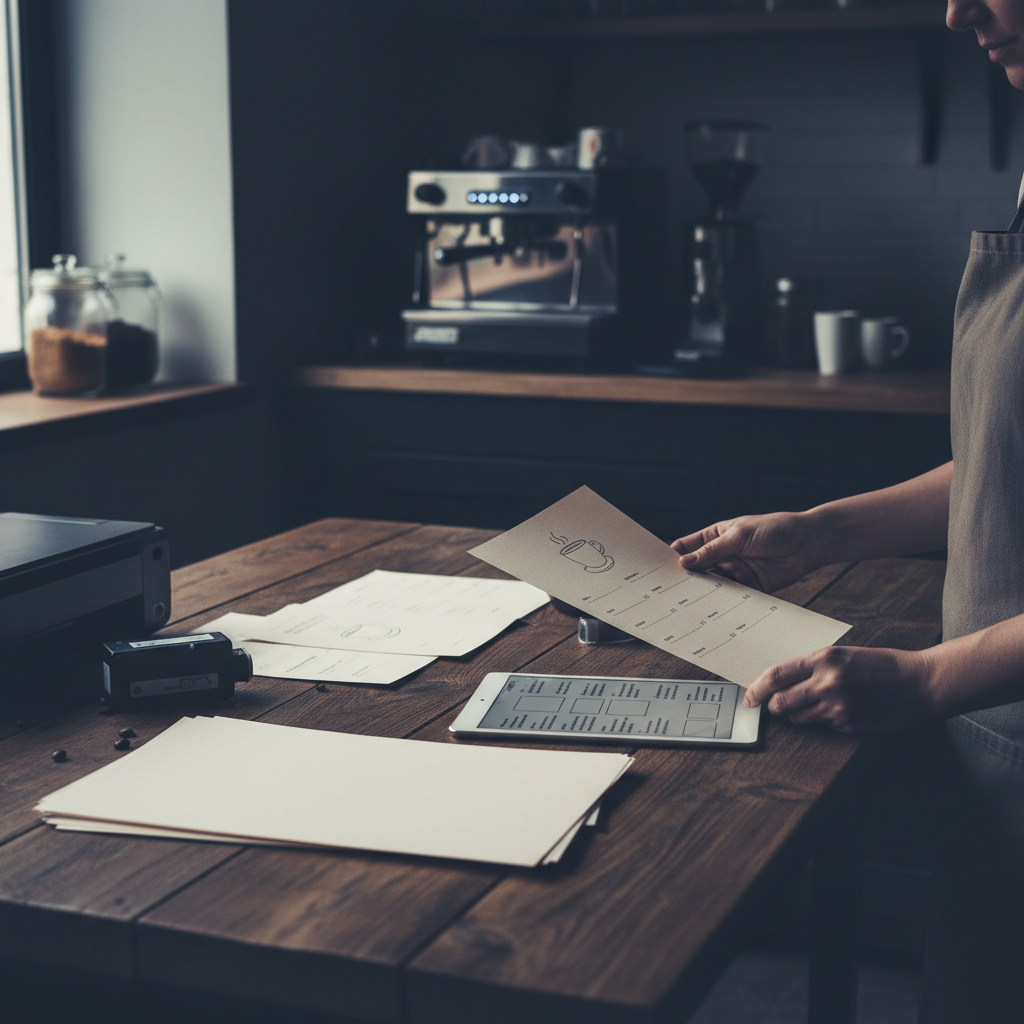
Simple Menu Templates for Small Restaurants
Small restaurants, cafes, and food trucks have different menu design needs than large chains with marketing departments and design budgets. The ideal template for a neighborhood cafe or small bistro is clean, readable, easy to update, and achievable without professional design skills.
Build a loyalty program your customers will actually use
See Loop.fans Loyalty & RewardsSimple doesn't mean unprofessional. Some of the most effective restaurant menus are straightforward typographic designs — a clean layout with well-chosen fonts and consistent formatting that communicates quality through restraint rather than visual complexity.
Why Simple Works Best for Small Restaurants
Want a digital menu with QR code for your restaurant? Build your free digital menu — Create a QR menu in minutes — update it anytime, no printing required.
Complex menu designs with elaborate decorative elements, multiple competing visual styles, and dense layouts create several problems for small operators: they're time-consuming to update, expensive to print professionally, and often communicate the wrong message about the type of dining experience on offer.
A simple, clean menu template offers practical advantages:
- Faster to update when prices or items change
- Easier to print in-house on standard printers
- More legible in varied lighting conditions
- Scales well from single-page menus to multi-page menus as your offering grows
- Communicates confidence and curation rather than trying to impress through complexity
Best Simple Menu Templates by Restaurant Type
Cafe Menu Templates
Cafes typically need menus covering beverages and food in a compact format. Simple cafe menu templates work best with clean two-column layouts, clear category separation between drinks and food, and typography that's warm and approachable without being overly casual.
Canva's free tier includes numerous simple cafe menu templates ranging from classic chalkboard-inspired designs to clean modern minimalist layouts. The best cafe templates accommodate the relatively short item lists typical of cafes without feeling sparse.
Fast Casual Menu Templates
Fast casual menus need to communicate quickly — customers often scan and decide in under a minute. Simple templates with bold category headers, clear item names, and legible pricing work best. Avoid decorative elements that slow reading or create visual confusion.
Small Bistro and Neighborhood Restaurant Templates
Small restaurants with table service benefit from templates that communicate warmth and care without visual overcomplication. Clean typography with minimal decorative elements, clear category organization, and enough white space to feel unhurried suits this context well.
Food Truck Menu Templates
Food truck menus often need to communicate at a distance (physical boards) and in digital formats. Simple, high-contrast templates with large, legible type work best. The item count is typically smaller than full-service restaurant menus, making layout management easier.
Where to Find Simple Menu Templates
Canva (free): Search for "simple restaurant menu" or "minimal restaurant menu" to filter templates by visual style. The free tier includes excellent simple templates across all restaurant types.
Google Docs/Slides: For maximum simplicity and editability, Google Docs templates offer basic menu structures that are quick to set up and easy to update. Less visually polished than design-focused tools but highly practical for operators who need fast, frequent updates.
Microsoft Word: Similar to Google Docs — practical, editable, and familiar. The built-in table formatting makes price alignment easy.
Adobe Express (free tier): Offers simple menu templates with slightly more design sophistication than Google Docs while remaining accessible to non-designers.
Customizing Simple Templates
Simple templates are easy to customize precisely because they have fewer elements to change. The most important customizations for small restaurants:
- Upload your logo: Even the simplest menu should feature your restaurant's logo. It's the single most important branding element.
- Set consistent colors: Choose 2-3 colors maximum — typically a background color, a text color, and an accent color for headers or prices. Consistency is more important than the specific colors chosen.
- Choose legible fonts: For body text, readability is more important than uniqueness. Standard fonts like Georgia, Garamond, Helvetica, and Lato are legible, professional, and freely available in most design tools.
- Add your contact information: Website, phone number, and social media handle. Many customers photograph menus — make it easy for them to find you again.
Printable Menu Considerations
For menus you'll print in-house, design within realistic constraints:
- Standard paper sizes (Letter 8.5x11, A4) print cleanly on most printers
- High-contrast designs (dark text on light backgrounds) print better than full-bleed color backgrounds on inkjet printers
- Avoid very small font sizes — 10pt minimum for body text, 12pt or larger for item names
- Leave margins of at least 0.5 inches on all sides for clean printing
For professional printing (laminated menus, premium paper stocks), export as PDF and use a local printer or online printing service. The price difference between standard and premium printing is often smaller than restaurant operators expect, and quality-printed menus signal professionalism to customers.
Keeping Simple Menus Updated
The key advantage of a simple, digitally editable menu template is how quickly you can update it. Price adjustments, seasonal changes, and new additions should take 15-30 minutes in any online menu creator. Schedule a brief monthly menu review — check prices, remove anything that's sold out or discontinued, and ensure the menu reflects your actual current offering.
Free loyalty program — no app download needed for customers
See Loop.fans Loyalty & RewardsA current, accurate menu is a basic expectation that customers notice when it's violated. A menu with crossed-out items or prices corrected in pen suggests operational carelessness that extends customers' mental model of your restaurant beyond just the menu itself.
What Makes a Restaurant Menu Effective
A well-designed restaurant menu does far more than list what's available. It guides guest decisions, communicates your brand's personality, highlights your most profitable dishes, and sets expectations for the dining experience before the first bite arrives. Poor menu design, on the other hand, overwhelms guests with too many options, buries your best dishes, and trains customers to hunt for the cheapest item on the page.
Understanding a few core principles of menu design can meaningfully increase your average check and guest satisfaction — without changing a single recipe.
Menu Engineering: The Science Behind the Layout
Menu engineering is the practice of strategically positioning and presenting menu items to maximize profitability. The core framework categorizes every item into one of four quadrants based on popularity and margin:
- Stars (high popularity, high margin): These are your best items. Give them prime placement — the upper right of a two-page spread, the top of a category, or a visual callout box. Don't hide them.
- Plowhorses (high popularity, low margin): Guests love these but they don't make you much money. Consider raising the price slightly, reducing the portion, or repositioning them lower on the menu.
- Puzzles (low popularity, high margin): These are worth investing in. Better photography, more compelling descriptions, or placement near popular items can bring these dishes to life.
- Dogs (low popularity, low margin): Consider removing these. Menu bloat hurts the guest experience and ties up prep resources on items that don't earn their keep.
How to Write Menu Descriptions That Sell
The words on your menu work hard — or they don't. A flat description like "Grilled salmon with vegetables" does nothing to build appetite or justify the price point. A well-written description like "Atlantic salmon, grilled over hardwood, served with roasted seasonal vegetables and a lemon-herb butter sauce" is specific, sensory, and earns the price.
Tips for better menu copy:
- Use origin words: "house-made," "locally sourced," "slow-roasted," "wood-fired"
- Invoke senses: describe textures, temperatures, and aromas
- Be specific about preparation: "pan-seared" is more evocative than "cooked"
- Keep it concise: two to three compelling sentences is better than a long paragraph
- Avoid generic words: "delicious," "amazing," and "popular" add nothing
Digital vs. Printed Menus: Which Is Right for Your Restaurant
Printed menus offer a tactile, curated experience — particularly valuable in fine dining. But they're expensive to update, can't be changed in real time, and don't collect any data. Digital menus, whether accessed via QR code, tablet, or online, solve all of those problems. Most restaurants today use a combination: printed menus for a premium feel with QR codes for accessibility, real-time specials, and loyalty integration.
For restaurants using Loop.fans, digital menus provide a natural touchpoint for loyalty enrollment. When guests access your menu digitally, you can prompt them to join your rewards program, earning points for their visit and any content they share about their experience.
Free Menu Tools vs. Paid: What You Actually Get
Many free menu creation tools exist, including Canva, Adobe Express, and dedicated restaurant menu builders. For basic designs, free tools are genuinely useful. Where they fall short:
- Limited customization options beyond templates
- No real-time updating capability for digital menus
- No integration with your POS, ordering system, or loyalty program
- Branding restrictions (watermarks, platform logos)
- No analytics on what guests are viewing
For restaurants serious about using their menu as a business tool, a paid platform with real-time editing, analytics, and integration capabilities pays for itself quickly.
Start your loyalty program today — free
See Loop.fans Loyalty & RewardsFrequently Asked Questions About Restaurant Menus
How many items should a restaurant menu have?
Research consistently shows that menus with fewer, well-described options outperform menus with many choices. The "paradox of choice" applies: too many options leads to decision fatigue and lower satisfaction. Most consultants recommend 7 items or fewer per category as a starting point.
How often should I update my menu?
Seasonal updates (quarterly) keep your menu fresh and allow you to capitalize on ingredient availability and pricing. More frequent micro-updates — removing sold-out items, adding specials — should happen in real time, which is why digital menus are so valuable.
What's the best format for a small restaurant menu?
For small restaurants, a single-page or two-page menu typically works best. It forces discipline in item selection and makes the guest experience easier. A digital version of the same menu gives you flexibility to add specials, rotate items seasonally, and update prices without reprinting.
Getting the most out of simple menu templates for small restaurants: advanced tips and next steps
Use data to refine continuously
Track which menu items generate the most revenue per square foot of prep space, not just which sell the most units. High-margin, low-effort items deserve prominent placement; low-margin, high-complexity items should be reviewed regularly.
Connect menu strategy to loyalty
Your best-selling items are your loyalty program's best promotional tools. Offering a free version of your most popular dish as a reward drives redemptions, visibility, and word-of-mouth far more effectively than a generic discount.
Test incrementally, not all at once
Menu changes are experiments. Change one section at a time, give it 4–6 weeks, and measure the impact on total covers, spend per head, and reorder rate before making the next change.
Optimize for operational rhythm
The best menus are designed with kitchen flow in mind. Items that share prep components, cooking methods, or timing reduce service friction and improve consistency — especially during peak hours.
Ready to get started?
Launch your free digital loyalty card — No app download required for customers. Set up in 10 minutes.