Digital Loyalty Card for Apple Wallet and Google Wallet: How It Works for Small Businesses
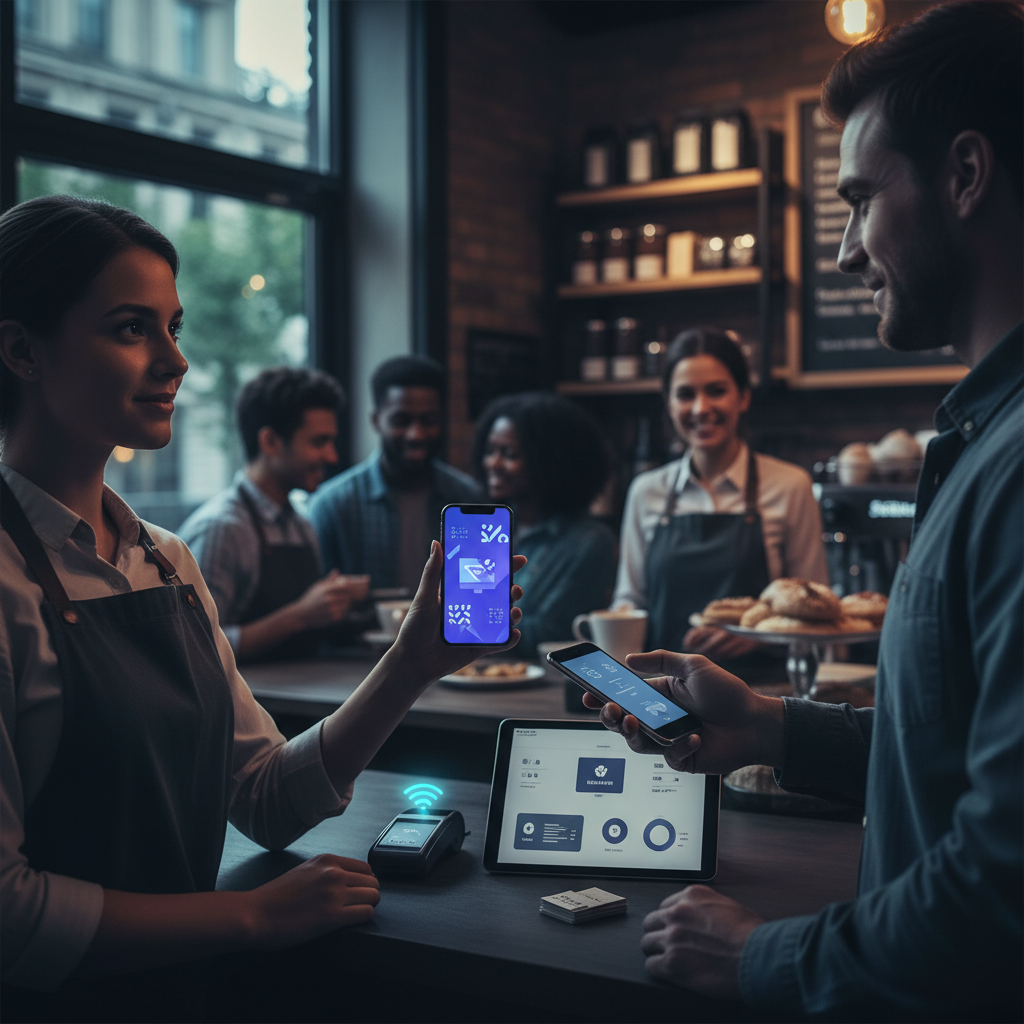
When customers ask about your loyalty program, the most common objection is also the most reasonable one: "I don't want to download another app." Apple Wallet and Google Wallet loyalty cards solve that problem. Instead of a standalone loyalty app, the card lives natively in the phone's wallet — right next to their credit cards, boarding passes, and event tickets. No app download, no account to remember, no friction. This guide explains how wallet-based loyalty cards work for small businesses, what the customer experience looks like, and how to set one up.
Build a free loyalty card — works in Apple and Google Wallet
Try Loop.fans Loyalty — FreeWhat Is a Digital Loyalty Card for Apple Wallet or Google Wallet?
Want to replace your paper punch cards with a digital version? Get your free digital punch card — Customers earn stamps on their phone. No app download required.
Apple Wallet (formerly Passbook) and Google Wallet are native phone features that store digital cards — boarding passes, event tickets, gift cards, and loyalty cards. A digital loyalty card in the wallet is a small digital card that appears when the customer opens their wallet, or when they are near your business (via location-based notifications, if enabled).
From the customer's perspective, it looks and behaves like a digital version of a physical loyalty card — with their current stamp count, points balance, or tier visible at a glance. No app to open, no password to remember.
How Wallet-Based Loyalty Cards Work
The technical process behind wallet loyalty cards is simpler than it sounds:
- You create the loyalty card using a platform that generates wallet-compatible files (the format is called "Passbook" for Apple, and uses the Google Pay API for Android)
- You share a link or QR code with your customers — they tap the link or scan the code, and their phone prompts them to add the card to their wallet
- Stamps or points are updated remotely by you through your dashboard — when a customer earns a stamp, their wallet card updates automatically (no need for the customer to re-add it)
- The customer sees their updated card next time they open their wallet — and can receive push notifications when they are close to a reward
Apple Wallet vs Google Wallet Loyalty Cards: Is There a Difference?
From the customer experience perspective, they function identically. The technical implementation differs — Apple Wallet uses the Passbook format (.pkpass files), while Google Wallet uses its own API and card format. Good loyalty platforms handle both formats automatically and generate a single link that delivers the right format based on the customer's device.
What the Customer Experience Looks Like
Here is what the enrollment and use process looks like from the customer's side:
- Customer scans a QR code at your counter (or clicks a link from your website, email, or Google profile)
- Their phone displays a preview of the loyalty card with a prompt: "Add to Apple Wallet" or "Save to Google Wallet"
- They tap once to add it — no account creation, no email entry, no app download
- The card appears in their wallet immediately with a starting balance of 0 stamps or 0 points
- After each qualifying visit, you update their balance — the card updates automatically in their wallet
- When they reach the reward threshold, they receive a notification and the card displays the reward prominently
- At redemption, the customer shows the card at the counter and you mark it as redeemed in your dashboard
No app download for customers — free to start
Try Loop.fans Loyalty — FreeThe Advantages of Wallet-Based Loyalty Cards Over App-Based Loyalty
- No app download. The single biggest barrier to loyalty program adoption is the requirement to download yet another app. Wallet cards remove this completely.
- Always accessible. The card lives in the same place as everything else the customer already accesses — their phone wallet. They do not need to remember which app to open.
- Push notifications. You can send push notifications to customers who have your wallet card — "You're one coffee away from your free one!" — without needing their email address or relying on social media algorithms.
- Location awareness. Apple and Google Wallet can surface your loyalty card automatically when the customer's phone detects they are near your business. This creates a passive reminder at exactly the right moment.
- Works offline. Unlike app-based loyalty that may require an internet connection to load, wallet cards are stored locally and accessible without connectivity.
The Limitations of Wallet-Based Loyalty Cards
- Limited customisation. Wallet cards have a standardised layout — you can add your logo, brand colours, and key information, but the format is more constrained than a custom-designed app experience.
- No in-app community features. If you want customers to interact with each other, view a leaderboard, or access exclusive content, a wallet card alone does not support that.
- Stamp updates require your action. Unlike an automated check-in system where the customer's stamp is added instantly on scan, some wallet card implementations require you to manually update balances from your dashboard.
- Android fragmentation. Google Wallet availability varies more across Android devices than Apple Wallet does across iPhones. On older Android phones, the experience may be less seamless.
Tools That Support Apple Wallet and Google Wallet Loyalty Cards
Loopy Loyalty
Loopy Loyalty is one of the most well-known tools specifically for creating Apple Wallet and Google Wallet loyalty cards. It offers a straightforward setup process — you design the card, set the stamp count, and it generates the link to share. Pricing starts around $25–30 per month. No free tier available.
PassKit
PassKit is a more developer-friendly platform for creating and managing wallet passes at scale. It is well-suited to businesses that want deep customisation or integration with their existing systems. Pricing is usage-based. Requires more technical setup than Loopy Loyalty.
Loop.fans
Loop.fans offers wallet-compatible loyalty cards alongside its full loyalty platform. Unlike tools that only do wallet cards, Loop.fans also handles QR-based check-ins (for customers who prefer not to use wallet), referral mechanics, social reward programs, and a full customer dashboard — all on a free tier. The wallet card is one delivery method within a broader loyalty system.
Which Businesses Benefit Most from Wallet-Based Loyalty
Wallet-based loyalty cards work particularly well for:
- High-frequency businesses where customers visit multiple times a week — cafés, gyms, nail salons. The more frequently a customer visits, the more useful a wallet card becomes as a persistent reminder.
- Businesses with a design-conscious clientele — boutiques, spas, and premium food concepts where the card aesthetic matters to the customer experience.
- Businesses that want push notification access without relying on social media or email — the wallet notification channel is underused and highly effective.
Ready to launch your digital loyalty card?
Try Loop.fans Loyalty — FreeWallet Integration as a Gateway to Participation
Apple Wallet and Google Wallet have made loyalty card storage effortless — customers carry their cards on their phones, check in with a tap, and accumulate points or stamps without fumbling for paper. This convenience is real, and it removes significant friction from the loyalty experience. However, wallet-based loyalty remains fundamentally transactional: the customer presents a card, earns a reward, and the cycle repeats. The interaction depth rarely extends beyond the check-in moment. The participation economy framework offers a way to move beyond this limitation by treating wallet integration not as the destination but as an entry point to broader engagement.
The more compelling opportunity is using wallet integration as the gateway to a participation system where customers contribute beyond transactions. A wallet card can trigger post-visit prompts for reviews, referral sharing, or user-generated content. According to UGC statistics, customers who create content about a brand are significantly more likely to remain loyal and influence others. This aligns with the core distinction explored in participation economy versus loyalty programmes: businesses that give customers meaningful ways to contribute beyond spending build deeper, more durable relationships.
For businesses evaluating digital wallet loyalty solutions, the key question is whether the platform enables participation beyond the card tap. Can it prompt a photo share? Track a referral? Reward an advocate? As research on why traditional loyalty programs are broken shows, programmes that feel static and purely transactional are the ones customers forget about — even when conveniently stored in their wallet. The future of wallet-based loyalty isn't a better card; it's a card that opens the door to a participation network where every customer interaction has the potential to generate compounding organic growth.
Frequently Asked Questions
Can I add a loyalty card to Apple Wallet for free?
Creating and distributing a loyalty card to Apple Wallet requires a tool that generates Passbook-compatible files. Loop.fans offers this as part of its free tier. Loopy Loyalty starts at ~$25–30/month. The Apple Wallet infrastructure itself is free for customers.
Do customers need to download anything to use a wallet loyalty card?
No — Apple Wallet is built into every iPhone, and Google Wallet is pre-installed on most Android devices. Customers just tap a link or scan a QR code to add your card. No third-party app download required.
Can I send push notifications through a wallet loyalty card?
Yes — both Apple Wallet and Google Wallet support push notifications to customers who have your card. You can send reminders when customers are close to a reward, or when you have a promotion to share.
What is the difference between a wallet loyalty card and a digital punch card?
A digital punch card is the general concept — a digital alternative to a paper stamp card. A wallet loyalty card is a specific delivery format: the card lives in the customer's native phone wallet (Apple Wallet or Google Wallet) rather than in a separate app or web page. Both achieve the same goal; wallet cards offer the advantage of native phone integration and push notifications.
Does a wallet loyalty card work for all businesses or just cafés and restaurants?
Wallet cards work for any business with repeat customers — salons, gyms, boutiques, fitness studios, food trucks, spas. Any business that benefits from a stamp-card or points-card loyalty format can use wallet-based delivery.
How to Set Up Apple Wallet and Google Wallet Passes Without a Developer
The biggest misconception about digital loyalty cards in Apple Wallet and Google Wallet is that they require technical expertise to set up. Modern loyalty platforms have eliminated that barrier entirely — you can have a fully functional wallet pass up and running in under an hour without writing a single line of code.
Here's the process using a platform like Loop.fans or a dedicated pass management tool:
- Step 1: Choose your pass design. Upload your logo, choose your brand colors, and set the pass layout. For loyalty cards, the most common format is a stamp grid (showing current stamps toward the next reward) or a points balance display. Keep the design clean — wallet passes have limited real estate.
- Step 2: Configure your reward mechanics. Set the stamp threshold or points-per-visit rule. This is what triggers the "reward ready" state on the pass, which sends a notification to the customer.
- Step 3: Generate your enrollment QR code. This is the code customers scan to add the loyalty card to their wallet. Most platforms generate this automatically. Print it and place it at your point of sale, on receipts, and on your storefront.
- Step 4: Test the full flow. Scan the QR code with your own phone, add the pass to your wallet, earn a stamp, and verify it appears correctly. Test on both iOS (Apple Wallet) and Android (Google Wallet) since the UI differs slightly between platforms.
- Step 5: Enable push notifications. In your platform settings, turn on push notifications for key events: stamp earned, reward ready, and win-back messages for inactive customers. This is the highest-ROI feature of wallet passes and the main reason they outperform physical punch cards.
The technical complexity that used to require a developer — certificate management, pass server hosting, push notification infrastructure — is entirely handled by the platform. Your job is design and configuration, not code.
Push Notification Strategy for Wallet Pass Holders
A wallet pass without a push notification strategy is a missed opportunity. The moment a customer adds your loyalty card to their Apple or Google Wallet, you gain a direct line to their lock screen — one of the most valuable communication channels available to local businesses. Here's how to use it effectively:
Trigger-based notifications (always-on): These should be configured from day one and never turned off.
- Stamp earned: A confirmation push when a customer earns a stamp. Brief and affirmative: "Stamp #4 added — 1 more until your free coffee!" This reinforces the behavior you want.
- Reward ready: Sent the moment a customer hits the redemption threshold. Use urgency lightly: "Your free dessert is ready — redeem on your next visit." This is your highest-converting notification type.
- Win-back: Triggered when a customer hasn't engaged in 45–60 days. "We haven't seen you in a while — here's a bonus stamp to come back." Industry data suggests these recover 15–30% of lapsed customers when sent with the right offer.
Promotional notifications (use sparingly): Wallet passes support manual broadcast notifications, but overuse destroys the channel. Limit promotional pushes to 1–2 per month maximum.
- Event or special: "Double stamps this weekend only — no code needed, just show your pass." This drives foot traffic without discounting broadly.
- Seasonal promotion: Tie to holidays or local events relevant to your customer base. Specificity outperforms generic "sale" messages.
The golden rule for push notifications: every message should make the customer glad they received it. If you're sending notifications that feel like spam, customers will remove the pass from their wallet and you lose the channel permanently. Quality always beats frequency. Combined with a well-designed loyalty card for small business, wallet passes represent the most effective digital retention tool available to independent operators today.
Ready to get started?
Create your free digital punch card — Free forever. Set up in 10 minutes.