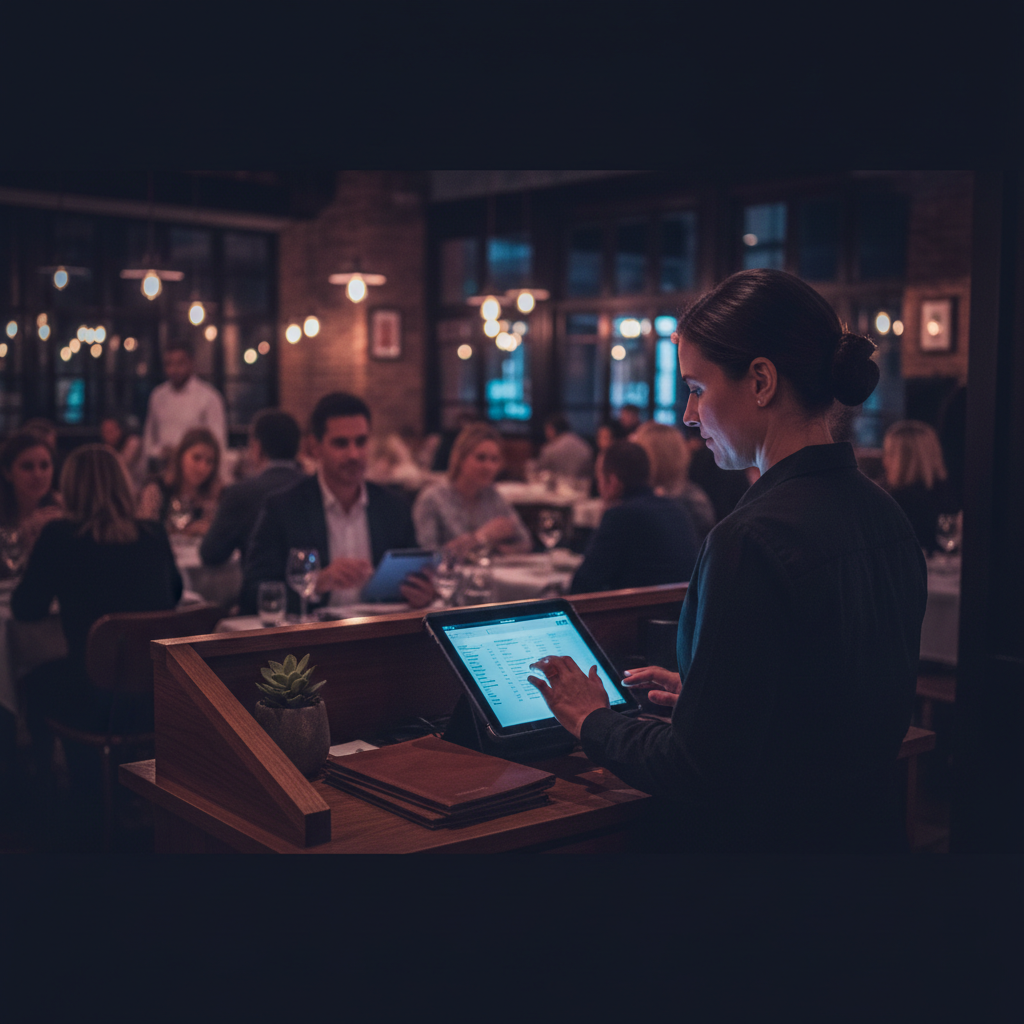
How to Manage Restaurant Reservations Online
Managing reservations through a notebook or scattered text messages works for a while, but it breaks down fast once service gets busy. Double bookings happen, walk-ins clash with holds, large parties get lost in the shuffle, and staff spend too much time answering the same questions. If you want smoother service, better table turns, and fewer no-shows, you need a clear online reservation process that your team can actually run every day.
Build a loyalty program your customers will actually use
See Loop.fans Loyalty & RewardsThis guide explains how to manage restaurant reservations online in a practical way. It covers the tools, workflows, and booking rules that help restaurants stay organized without making the guest experience feel rigid. Whether you run a neighborhood bistro, busy brunch spot, upscale dining room, or multi-location concept, the goal is the same: make booking easy for guests and make fulfillment predictable for staff.
Why online reservation management matters
Need a free booking system for your restaurant? Try our free restaurant booking system — Online reservations with table management and automatic confirmations.
An online system does more than accept bookings from your website. It becomes the operating layer between guest demand and dining room capacity. Done well, it helps you protect service quality while increasing revenue.
- Fewer manual errors: Staff are not rewriting bookings from calls, DMs, and emails into multiple places.
- More consistent table pacing: You can control arrival times, party sizes, turn durations, and blackout periods.
- Better guest communication: Confirmation emails, reminder texts, and policy details are sent automatically.
- Less pressure on the host stand: Staff can focus on seating and service instead of re-answering basic booking questions.
- Cleaner reporting: You can track no-show rates, peak demand, booking windows, and channel performance.
For many operators, the biggest shift is this: reservations stop being a passive calendar task and become an active revenue and guest-experience workflow.
Start with your reservation policy before choosing software settings
Restaurants often install a booking tool and immediately start tweaking settings. That usually creates confusion because the team has not agreed on the actual operating rules first. Before changing platform options, define the fundamentals.
Set clear booking rules
- How far in advance can guests book? Some restaurants allow 30 to 60 days; others only open two weeks ahead.
- What party sizes can book online? Small and midsize parties may book instantly, while larger groups require approval.
- How long is each table held? Decide your standard turn times by party size and service period.
- When do you stop accepting online bookings for same-day service? This avoids surprises during peak prep windows.
- What is your grace period for late arrivals? Many teams use 10 to 15 minutes.
- When do deposits or card holds apply? Usually for high-demand shifts, holidays, and large parties.
These rules should live in one documented workflow so hosts, managers, and marketing are aligned. If the policy changes for special events or holidays, that should be noted in advance rather than improvised on service day.
Choose an online reservation system that fits your floor, not just your brand size
The best reservation platform is the one that matches how your restaurant actually operates. Some teams need advanced pacing, table combinations, and waitlist management. Others mainly need a clean booking widget, confirmation messages, and an easy host view.
Core features to prioritize
- Real-time availability: Guests should only see times that the floor can support.
- Table mapping and pacing controls: The system should reflect real dining room constraints.
- Automated confirmations and reminders: This is one of the easiest ways to reduce no-shows.
- Guest notes and visit history: Hosts should be able to see repeat guests, allergies, birthdays, and VIP tags.
- Website integration: The booking flow should feel native and work well on mobile.
- Waitlist support: If reservations fill up, guests should have another way to raise their hand.
- Reporting: Managers need visibility into demand, turn times, no-shows, and source channels.
If you're comparing tools, this is similar to the evaluation process covered in restaurant reservation apps compared, but the selection should always come back to your own operating model first.
Build availability around actual capacity
One of the most common mistakes in reservation management is publishing more online availability than the kitchen and floor can realistically support. Capacity is not just seat count. It includes staffing levels, kitchen throughput, service style, and the mix of party sizes coming in at the same time.
A 50-seat dining room may technically fit 50 guests, but that does not mean every 15-minute interval should be sellable. You need pacing rules that smooth arrivals and protect the guest experience.
How to pace reservations intelligently
- Stagger arrivals: Avoid stacking too many 2-tops and 4-tops at the exact same minute.
- Use different turn times by daypart: Brunch, dinner, and tasting-menu service often need different assumptions.
- Block operational choke points: If the bar backs up the kitchen or a private event uses shared staff, reduce public inventory.
- Reserve flexibility for walk-ins: Many restaurants perform better when a portion of inventory stays open for spontaneous traffic.
- Adjust for seasonality and events: Weather, local events, and holiday demand should influence how aggressively you release inventory.
Online reservations should support the room, not overwhelm it. A fully booked book is not automatically a healthy service if every guest arrives at once and waits 25 minutes to sit.
Reduce no-shows with layered communication
No-shows damage revenue, disrupt pacing, and create dead air in prime service windows. The easiest fix is often better communication, not harsher policy alone. Guests miss reservations for predictable reasons: they forget, they booked multiple places, they are running late, or they do not realize the policy matters.
A practical anti-no-show stack
- Instant confirmation: Send the booking details immediately after reservation.
- Reminder 24 hours ahead: Give guests time to cancel or update plans responsibly.
- Same-day reminder: A short text can catch forgotten bookings before service begins.
- Easy modify/cancel link: Reduce friction so guests update instead of disappearing.
- Card hold or deposit for high-risk bookings: Use this selectively for large parties or peak nights.
The tone matters. A polite, clear reminder performs better than a threatening one. Guests respond well when policies are easy to understand and clearly tied to fairness for other diners and the team.
Free loyalty program — no app download needed for customers
See Loop.fans Loyalty & RewardsTrain the host team around one reservation workflow
Software alone will not create consistency. The host stand needs a shared process for reviewing the book, handling changes, seating guests, and communicating with servers and managers. If different hosts follow different rules, the online system quickly becomes unreliable.
What the host workflow should include
- Pre-shift review: Check VIPs, large parties, accessibility notes, birthdays, and special requests.
- Arrival handling: Mark parties as arrived, delayed, seated, canceled, or no-show in real time.
- Late policy enforcement: Hosts should know exactly when to hold, call, release, or reseat a booking.
- Table reassignment rules: If a section gets backed up, there should be a clear escalation path.
- Walk-in integration: Walk-ins should be logged in the same operating flow whenever possible.
- Manager overrides: Staff should know when only a manager can force-book, comp, or shift inventory.
A clean host script also helps. If the team knows how to explain wait times, late policies, and booking changes in a calm consistent way, the guest experience improves immediately.
Use guest data to improve service, not just fill seats
A strong online reservation system builds a guest record over time. That information is useful for more than marketing. It helps the floor personalize service and helps management make better operating decisions.
Useful guest data can include visit frequency, favorite seating area, allergies, anniversary notes, average party size, and whether the guest reliably shows up on time. Even small touches matter. Recognizing a repeat diner, preparing for a stroller request, or remembering a birthday can turn a routine booking into a noticeably better experience.
This is also where CRM-style follow-up begins. After service, you can segment guests by visit patterns and re-engage them with event announcements, tasting menus, or loyalty prompts instead of sending generic blasts to everyone.
Keep your website booking flow simple
If guests cannot figure out how to book from your website in under a minute, many of them will leave. Mobile friction is especially costly. The booking widget should be visible, fast, and easy to complete without sending the guest through multiple confusing steps.
Booking flow best practices
- Put the reservation CTA in the header: Guests should not have to hunt for it.
- Keep the widget mobile-friendly: Most dining decisions happen on phones.
- Show policy details before checkout: Clarify deposits, late grace periods, and cancellation expectations.
- Offer alternatives when full: Waitlist, call-back request, or another service window can capture intent.
- Confirm instantly on-screen and by email/text: Guests should know the booking worked.
If you are still early in setup, pairing a straightforward widget with a simple on-site form can help. That approach overlaps with ideas in build simple reservation form for restaurant.
Separate standard reservations from large-party workflow
Large parties need more control than everyday online bookings. They affect pacing, table combinations, staffing, and revenue risk. Instead of forcing them through the same path as 2-tops and 4-tops, create a separate workflow.
For larger groups, consider
- Inquiry-first forms: Let guests request rather than instantly confirm.
- Deposits or minimums: Protect labor and inventory for big bookings.
- Preset menus: Reduce kitchen disruption and speed service.
- Dedicated communication templates: Confirm timing, headcount deadlines, and cancellation terms.
- Single owner internally: One manager or coordinator should own follow-up.
This keeps standard service fluid while still supporting higher-value group business responsibly.
Measure the reservation system every week
Online reservation management gets better when you review the same few metrics consistently. You do not need a huge analytics stack to improve. A weekly operating review is often enough to spot patterns and make smart adjustments.
Metrics worth tracking
- No-show rate by day and time
- Cancellation rate and lead time
- Average party size booked vs seated
- Turn-time assumptions vs actuals
- Online booking share vs phone/manual bookings
- Waitlist conversion rate
- Peak demand times and sold-out windows
These numbers help you answer practical questions: Should we tighten Friday deposits? Are 90-minute turns too aggressive for Saturday dinner? Do we need more availability for 2-tops at brunch? Should large-party inquiries close earlier on event nights?
Connect reservations to retention and loyalty
The booking itself is not the end of the relationship. It is the start of a repeatable guest journey. Restaurants that use reservations well connect them to post-visit follow-up, review requests, event marketing, and loyalty campaigns. That is especially important for independent operators trying to build repeat traffic without overspending on ads.
After a completed reservation, follow-up can include a thank-you message, a prompt to join your VIP list, an invitation to an upcoming special menu, or a request for a review. If your restaurant uses a loyalty or fan engagement platform, you can also reward valuable post-visit actions like review submissions, referrals, or social content.
That broader operating model is one reason many teams look beyond a simple calendar and toward a more complete online table booking system for restaurants.
Final takeaway
If you want to manage restaurant reservations online effectively, focus on three things first: clear booking rules, accurate pacing, and consistent guest communication. Once those are stable, train the host team around one workflow and review the numbers every week. The goal is not just to accept more reservations. It is to protect service quality, reduce no-shows, and make the dining room easier to run.
Restaurants that do this well create a better experience on both sides of the host stand. Guests book faster and show up with clearer expectations. Staff spend less time fixing preventable issues. And the business gets a more reliable path from demand to seated covers.
If you're improving your broader booking stack, the next step may be comparing tools, simplifying your booking form, or mapping how AI can help with reminders and forecasting. But the foundation is simple: manage the reservation book like an operating system, not just a list of names.
Start your loyalty program today — free
See Loop.fans Loyalty & RewardsAlso on Loop.fans: Build your restaurant's online presence with our AI website builder for restaurants — includes CRM, loyalty, and online booking in one place.